The best automated data entry software in 2026
For operations and finance teams tired of retyping data: the four kinds of automated data entry software, 8 tools compared, and how to pick the one that removes the most manual keying.

Key takeaways
- Automated data entry software captures information from documents, forms or other apps and writes it into your systems without someone retyping it.
- There are four kinds: document data capture (IDP), RPA, online forms and app-to-app integration. Which one you need depends on where the data starts.
- If the data arrives as PDFs, scans or emails, you need document capture. Forms and integration tools only help when the data is already digital.
- Look for validation and review: the goal isn't just faster entry, it's fewer errors reaching your ERP, CRM or loan system.
- Test tools on your real inputs and measure how many records go through with no human touch.
On this page
Automated data entry software captures information from documents, forms or other applications and writes it into your systems without anyone retyping it. The right tool depends on where your data starts: document capture (IDP) platforms such as Docsumo read PDFs and scans, RPA tools such as Microsoft Power Automate and UiPath type into applications, form builders such as Jotform collect data digitally at the source, and integration tools such as Zapier move it between apps.
This guide explains the four types, compares 8 tools, and gives a checklist for choosing one.
Why teams automate data entry#
Manual data entry costs more than the hours it takes. People get tired, transpose digits and skip fields, and every error that reaches an ERP or loan file costs far more to find and fix later. It also doesn't scale: month-end close, renewal season or a spike in applications means overtime or a backlog.
| Manual data entry | Automated data entry | |
|---|---|---|
| Speed | Limited by typing speed and staff hours | Minutes per document, around the clock |
| Accuracy | Varies with fatigue and complexity | Consistent, with rules that catch errors before export |
| Cost as volume grows | Rises roughly in line with volume | Grows much more slowly than volume |
| Audit trail | Hard to reconstruct who typed what | Every value linked to its source and every correction logged |
| Staff time | Spent keying | Spent on exceptions and decisions |
The four types of automated data entry software#
| Type | Where the data starts | What it automates | Examples |
|---|---|---|---|
| Document data capture (IDP) | PDFs, scans, photos, email attachments | Reads the document, extracts fields and tables, validates them, exports them | Docsumo, ABBYY Vantage |
| Robotic process automation (RPA) | Structured data that has to be typed into an application | Mimics clicks and keystrokes in desktop and web apps | Microsoft Power Automate, UiPath |
| Online forms | People filling in information | Collects data digitally so it never needs keying | Jotform, Formstack, Zoho Forms |
| App integration | Data already in another app | Moves and reformats records between apps | Zapier |
Most teams need more than one. A common pattern: a document capture platform turns incoming invoices or bank statements into structured data, and an integration or RPA step posts it into a system that has no API.
How we chose these tools#
We picked tools that are actively sold in 2026 and that remove manual keying in one of the four ways above. Every description and price comes from the vendor's own website as of September 2026; prices change, so check before you buy. We removed tools from the earlier version of this list that aren't data entry software (Amazon RDS is a managed database) or that no longer exist as separate products (WinAutomation became part of Microsoft Power Automate after Microsoft acquired Softomotive). Docsumo is our product; we describe it using only facts published on docsumo.com.
Document data capture#
1. Docsumo
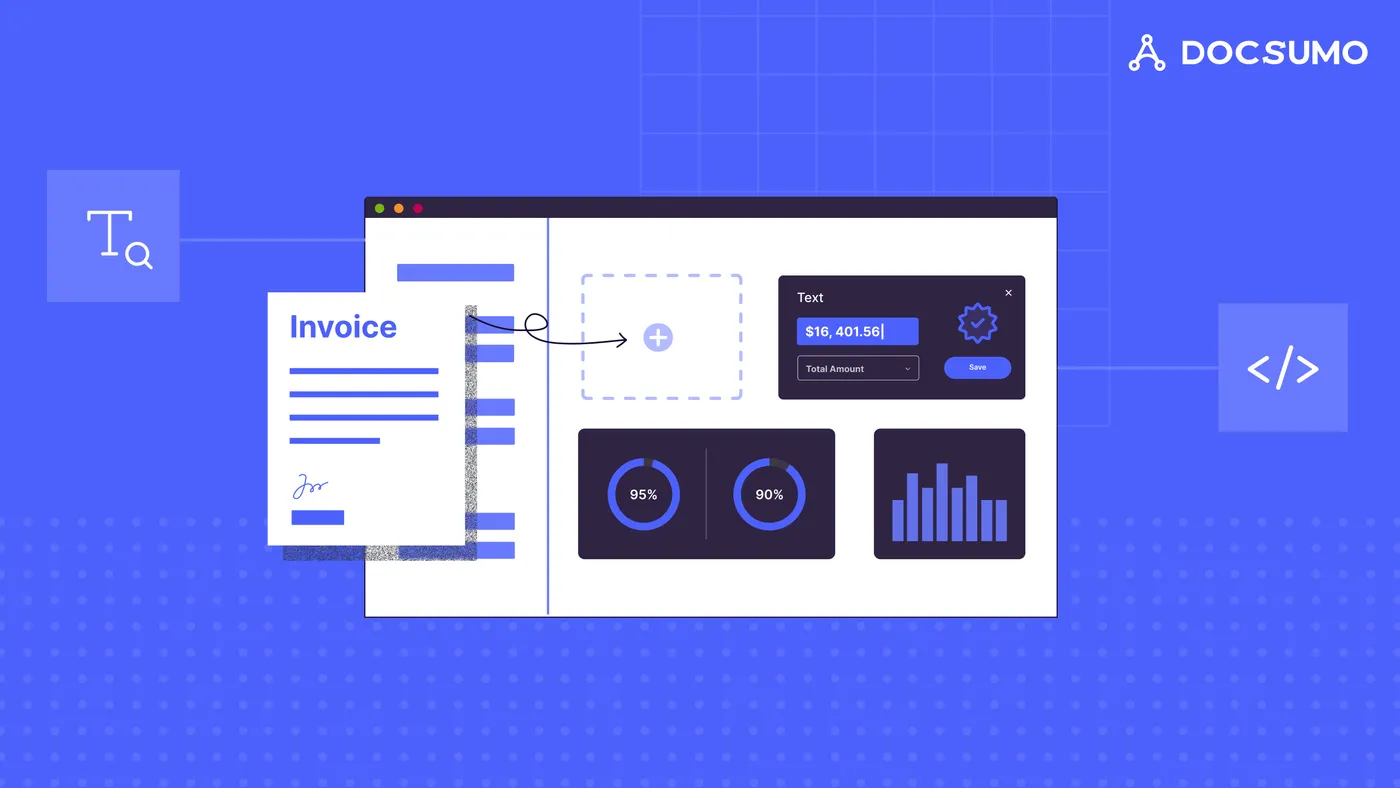
Docsumo is an intelligent document processing platform for lending, insurance, financial services and accounts payable teams. It reads 250+ document types, including invoices, bank statements, pay stubs, tax forms and ACORD forms, with 99% field-level accuracy and 95%+ straight-through processing.
- How it removes data entry: documents come in by email, upload or API; Docsumo classifies them, extracts every field and table, runs validation rules and sends only low-confidence or failing fields to a reviewer.
- Integration: API and webhooks, with results sent to your ERP, loan origination or core system. See integrations.
- Security: SOC 2 Type 2, HIPAA and GDPR.
- Pricing: 14-day free trial for up to 1,000 pages and 10 users; paid plans on the pricing page.
- Limitations: cloud only. It's built for documents, not for collecting data through forms.
2. ABBYY Vantage
ABBYY Vantage is an IDP platform with pre-trained extraction skills for 150+ use cases and a low-code designer for building new ones. It handles structured, semi-structured and unstructured documents, including handwriting, and connects to RPA platforms such as Power Automate, UiPath and Blue Prism.
- Deployment: ABBYY Cloud (US, Europe, Australia) or on-premises and private cloud.
- Consider: suits organizations with a team to design and maintain skills.
Robotic process automation#
3. Microsoft Power Automate
Power Automate combines cloud flows (1,400+ connectors between apps), desktop flows for RPA on legacy systems, and process and task mining. Copilot lets users build flows in plain language, and AI Builder adds document processing.
- Pricing: Power Automate Premium is $15 per user per month billed yearly; Power Automate Process is $150 per bot per month for unattended automation. A 30-day trial is available.
- Best for: organizations on Microsoft 365 that want to automate typing into apps without an API.
- Consider: document extraction is a feature, not the focus; complex financial documents usually need a dedicated capture tool.
4. UiPath
UiPath is an automation platform built around RPA robots and, increasingly, AI agents. Its document product, UiPath IXP (Intelligent Xtraction and Processing), extracts data from structured, semi-structured and unstructured documents and from emails, with human validation steps.
- Best for: enterprises with an automation center of excellence running many bots.
- Consider: powerful but broad; plan for implementation and bot maintenance.
Online forms#
Forms remove data entry by capturing information digitally in the first place. They don't help with documents that arrive as PDFs or paper.
5. Jotform
Jotform is a form builder with templates, payment collection, conditional logic and integrations.
- Pricing: a free Starter plan (5 forms, 100 submissions a month); paid plans from $34 a month billed annually.
- Best for: small teams collecting applications, orders or intake data online.
6. Formstack
Formstack sells Forms, Documents (document generation) and Sign (e-signatures), separately or as a suite, with a strong Salesforce offering.
- Pricing: Forms from $83 a month billed annually; the Suite from $250 a month billed annually.
- Best for: teams that want forms, generated documents and e-signatures in one workflow.
7. Zoho Forms
Zoho Forms is a form builder that fits naturally into Zoho CRM and other Zoho apps.
- Pricing: a free plan (3 forms, 500 submissions a month); paid Basic, Standard, Professional and Premium plans raise the form, submission and user limits.
- Best for: businesses already on Zoho.
App integration#
8. Zapier
Zapier connects thousands of apps so that a record created in one (a form submission, a new email, a row in a sheet) is created or updated in another. Formatter steps clean dates, text and numbers on the way, and AI steps can pull fields out of text.
- Pricing: a free plan with 100 tasks a month; Professional from $19.99 a month and Team from $69 a month, billed annually.
- Best for: moving already-digital data between SaaS apps.
- Consider: not built for reading scanned documents or complex PDFs.
How to choose automated data entry software#
- Find where the keying happens. If people are reading PDFs and typing, you need document capture. If they copy between two apps, you need integration or RPA. If they transcribe what customers tell them, you need forms.
- Measure your volumes and document types. Pre-trained models for your documents (for example invoices or bank statements) matter more than a long feature list.
- Check accuracy on your own inputs. Run a pilot with real files, including bad scans, and count the records that needed a correction.
- Look for validation and review. Rules that catch bad totals, dates and names, and a queue where a person fixes only the flagged fields.
- Confirm the integrations. Data entry isn't done until the record lands in your system of record.
- Check security. Data entry tools handle personal and financial data. Ask for SOC 2 Type 2 and role-based access. See Docsumo's security page.
For more on the document side, read what is data extraction and our guide to data entry automation.
The bottom line#
Automated data entry works best when you match the tool to where the data starts. Forms and integration tools help when data is already digital; RPA helps when a system has no API; and document capture is what removes keying from PDFs, scans and email attachments, which is where most manual entry still happens.
Frequently asked questions#
What is automated data entry software?
It is software that captures data from a source, such as a scanned invoice, a web form or another application, and enters it into a target system automatically. It replaces retyping with extraction, validation and integration.
Can data entry be fully automated?
Much of it can. Clean, predictable inputs can go straight through. Poor scans, unusual layouts and values that fail a rule still need a person, so good tools send those to a review queue instead of guessing.
What is the best software for entering data from invoices and PDFs?
An intelligent document processing platform such as Docsumo, which reads the document, extracts the fields and line items, checks them and exports them to your ERP or accounting system. See invoice extraction.
Is RPA the same as automated data entry?
RPA automates typing and clicking in applications, so it can do data entry, but it needs structured input. Pair it with document capture when the data starts in PDFs or scans.
How much does automated data entry software cost?
Form builders and integration tools start with free plans and low monthly fees. RPA is usually priced per user or per bot. Document capture platforms are priced by page or document volume; Docsumo has a 14-day free trial for up to 1,000 pages (pricing).