What is file parsing? Techniques, tools and Python examples
For developers, data engineers and operations teams: what file parsing is, how to parse the common formats with working Python code, where parsing stops working, and what to use for scanned documents.

Key takeaways
- File parsing reads the raw content of a file and converts it into structured data a program can use, such as rows, objects or fields.
- Machine-readable formats (CSV, JSON, XML, Excel) have standard parsers; the work is handling encodings, missing fields and bad records.
- PDFs with a text layer can be parsed for text, but finding specific fields needs patterns or models. Scanned PDFs and images need OCR first.
- Robust parsers validate every record, stream large files, log errors instead of crashing, and treat untrusted input carefully.
- For business documents in many layouts, such as invoices and bank statements, document AI replaces hand-written parsing rules.
On this page
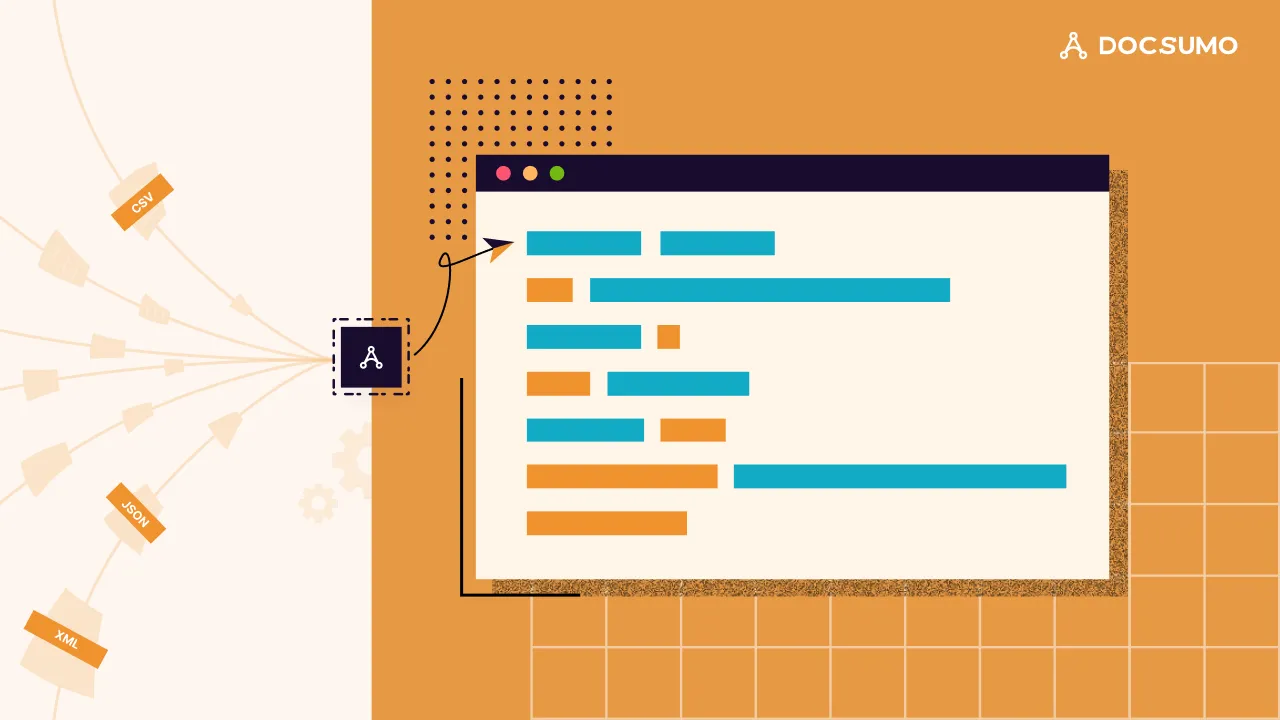
File parsing is the process of reading a file's raw content according to its format and converting it into structured data a program can use: rows from a CSV, objects from JSON, elements from XML, or text and fields from a PDF. It's the first step in almost every data pipeline, because data arrives as files long before it reaches a database or report.
This guide explains how parsing works for the common formats, with tested Python code, then covers best practices, common problems, and what to do when files are scanned documents rather than machine-readable data.
What is file parsing?#
A parser knows the rules of a format and uses them to break a file into meaningful parts. A CSV parser knows that commas separate fields and newlines separate records, and that a comma inside quotes is data, not a separator. A JSON parser knows about objects, arrays and types. A PDF parser knows how to find text objects on each page.
Parsing is usually one of three steps that together turn files into data you can load, analyze or act on:
Parsing
Reading the file by its format's rules into rows, objects, elements or page text.Extraction
Picking out the specific values you need, such as the invoice total.Transformation
Cleaning and reshaping values, such as converting "4,120.50" to a number or dates to one format.
Parsing by file type#
Every common format has a standard parser. What differs is where it goes wrong:
| Format | Structure | Typical Python tools | Main pitfalls |
|---|---|---|---|
| CSV and TSV | Rows and columns | csv module, pandas | Encodings, quoted commas, inconsistent columns |
| JSON | Nested key-value objects and arrays | json module | Optional keys, deep nesting, mixed types |
| XML | Tagged hierarchy with attributes | xml.etree.ElementTree, lxml | Namespaces, large files, untrusted input |
| Excel (XLSX) | Sheets, cells, formulas | pandas, openpyxl | Merged cells, header rows, formulas vs values |
| HTML | Tagged page markup | Beautiful Soup, lxml | Layout changes, JavaScript-rendered content |
| Logs | Line-based text patterns | re module | Variable fields per event |
| PDF (digital) | Text objects placed on pages | pypdf, pdfplumber | Reading order, tables, no field labels |
| PDF (scanned) and images | Pixels, no text layer | OCR (Tesseract), document AI | Image quality, layout variety |
Python examples for common formats#
This script parses a CSV, a JSON file, an XML file and a digital PDF. It was tested on Python 3.11 with pypdf 6.19 (pip install pypdf); everything else is in the standard library.
import csv
import json
import re
import xml.etree.ElementTree as ET

from pypdf import PdfReader

# CSV: one dict per row
with open("invoices.csv", newline="", encoding="utf-8") as f:
    rows = list(csv.DictReader(f))
print(rows[0])

# JSON: nested keys
with open("invoice.json", encoding="utf-8") as f:
    doc = json.load(f)
print(doc["vendor"]["name"], doc["total"])

# XML: attributes and child elements
root = ET.parse("invoice.xml").getroot()
print(root.get("number"), root.findtext("vendor"), root.find("total").get("currency"))

# PDF with a text layer: extract text, then find fields
text = PdfReader("invoice.pdf").pages[0].extract_text()
total = re.search(r"Total Due:\s*\$([\d,]+\.\d{2})", text)
print(total.group(1) if total else "not found")
Output, with small sample files for each format:
{'invoice_number': 'INV-20431', 'vendor': 'Acme Supplies', 'total': '4120.50'}
Acme Supplies 4120.5
INV-20431 Acme Supplies USD
4,120.50
Two things to notice. The CSV parser returns every value as a string ('4120.50'), so you still need to convert types. And the PDF step only works because we knew the exact label "Total Due". A different vendor's invoice would need a different pattern.
Parsing techniques and best practices#
These eight habits separate a parser that survives production from one that breaks on the first odd file:
- Use a real parser, not string splittingSplitting a CSV line on commas breaks on quoted values; splitting HTML with regex breaks on nesting.
- Handle encodings explicitlyOpen files with a declared encoding (usually UTF-8) and decide how to handle bad bytes.
- Validate every recordCheck required fields, types and ranges, and route bad records to a reject file with the reason.
- Stream large filesRead CSVs in chunks (
pandas.read_csv(..., chunksize=100_000)), useiterparsefor large XML, and write output incrementally. - Don't crash on one bad rowLog the error, keep going, and report counts at the end.
- Treat untrusted input carefullyPython's documentation warns that its XML modules aren't secure against maliciously constructed data; use a hardened parser such as defusedxml for files from outside your organization.
- Make formats configurableKeep field mappings in configuration so a changed column name is a config change, not a code change.
- Test with real samplesKeep a set of tricky real files (empty fields, odd encodings, huge files) as regression tests.
Common file parsing problems#
Schema drift
A partner adds, renames or reorders columns. Validate headers before processing.Inconsistent formats
Dates as 08/14/2026 in one file and 2026-08-14 in the next. Normalize on the way in.Tables in PDFs
Text extraction loses table structure. Use a table-aware tool, or see table extraction from PDF.Scanned documents
There's no text to parse. You need OCR, and then something that understands layout.Many layouts of the same document
Invoices, bank statements and pay stubs from thousands of issuers can't be handled with one pattern per layout.
When parsing isn't enough: documents#
Parsers work well when files are designed for machines. Business documents are designed for people. An invoice PDF has the invoice number somewhere on the page, labeled differently by every vendor; a scanned bank statement has no text at all until OCR reads it.
For these, intelligent document processing replaces hand-written rules. It classifies each file, runs OCR where needed, uses models trained on many layouts to find the fields and tables, validates them and returns structured JSON.
- Invoice PDFs
- Scanned bank statements
- Phone photos
- Emailed forms
- 01Classify the document
- 02Read it with OCR
- 03Find fields and tables
- 04Validate the values
Docsumo does this for 250+ document types, including invoices and bank statements. Results come back through an API and webhooks, so the output looks like any other parsed file to the rest of your pipeline.
- 99%field-level accuracy across 250+ document types
- 95%+of documents processed straight through, without manual review
For more on the document side, read document parsing and PDF parser.
The bottom line#
Parse machine formats with standard libraries, validate every record and stream large files. When the input is a PDF, scan or photo in many layouts, stop writing patterns and use OCR plus document AI to get the same structured output.
Book a demo with a few of your own documents, or start a free trial.
Frequently asked questions#
What does parsing a file mean?
It means reading the file's content according to its format's rules and turning it into a structure a program understands. Parsing a CSV produces rows and columns; parsing JSON produces nested objects; parsing an invoice PDF should produce fields like invoice number and total.
What is the difference between file parsing and data extraction?
Parsing interprets a file's structure. Extraction pulls specific values out of it. For CSV or JSON they're nearly the same step; for PDFs and scans, parsing gets you text and layout, and extraction finds the fields in it.
Which Python library should I use to parse PDFs?
pypdf for text and metadata from digital PDFs (PyPDF2 has been merged back into pypdf). pdfplumber or Camelot for tables. For scans you need OCR, such as Tesseract via pytesseract, or a document AI service.
How do I parse very large files?
Stream them instead of loading everything into memory. Read CSVs row by row or in chunks (pandas supports chunksize), use iterparse for large XML, and write results incrementally.
Can file parsing be automated without code?
For business documents, yes. IDP platforms such as Docsumo parse PDFs, scans and images, extract the fields, validate them and return JSON through an API, with no parsing rules to maintain.
Sources
- Python documentation: csv module
- Python documentation: xml.etree.ElementTree (security note)
- pypdf documentation
- PyPI: pypdf
- pandas documentation: read_csv
First published . Last updated .