Data parsing: what it is, how it works and the main techniques
For data, operations and IT teams: a plain explanation of data parsing, the techniques from regex to machine learning, where each one fits, and what changes when the data is inside PDFs and scans.


Key takeaways
- Data parsing is converting data from one format into a structured one that a program can use, such as turning an HTML page, a log line or a PDF into fields in JSON, CSV or a database.
- A parser works in two steps: lexical analysis splits the input into tokens, and syntactic analysis arranges those tokens into a structure according to rules or a grammar.
- The main techniques are regular expressions, format parsers (JSON, XML, CSV, HTML), grammar-based parsers, and machine learning or NLP models; the right one depends on how predictable the input is.
- Documents are the hardest input: a PDF or scan needs OCR and layout understanding before any parsing rule can find the fields.
- Building your own parser makes sense for one stable format; for many changing document layouts, a trained document parsing platform usually costs less to maintain.
On this page
Data parsing is the process of converting data from one format into a structured format that software can read and use. A parser takes raw input, such as a web page, a log file, an email or a PDF, breaks it into parts, and maps those parts into fields in JSON, CSV, a database table or another system.
This guide explains how parsers work, the main parsing techniques and when to use each, common business uses, the tools available, and what's different about parsing business documents.
What is data parsing?#
Parsing means reading input according to a set of rules and turning it into a structure. Every program that reads data does some parsing: a browser parses HTML to draw a page, a database parses SQL before running it, and an accounting system parses a bank feed to post transactions.
A simple example: this log line is just text until it's parsed.
2026-09-24 10:42:17 ERROR payment-service Timeout after 30s (order 58213)
After parsing, it's a record with fields:
{
  "timestamp": "2026-09-24T10:42:17",
  "level": "ERROR",
  "service": "payment-service",
  "message": "Timeout after 30s",
  "order_id": 58213
}
Now it can be searched, counted and sent to an alerting tool.
How does a data parser work?#
Most parsers work in two stages.
- Lexical analysis (tokenizing). The parser scans the input and splits it into tokens: words, numbers, symbols, dates, tags. Characters that don't matter, such as extra spaces, are dropped.
- Syntactic analysis. The parser checks the tokens against rules or a grammar and builds a structure from them, often a tree. For JSON, that means objects, arrays and values. For an invoice, it means a header, line items and totals.
Many pipelines add a third step, semantic checks, which confirm the values make sense: the date is a real date, the line items add up to the subtotal, the account number has the right length.
Data parsing techniques#
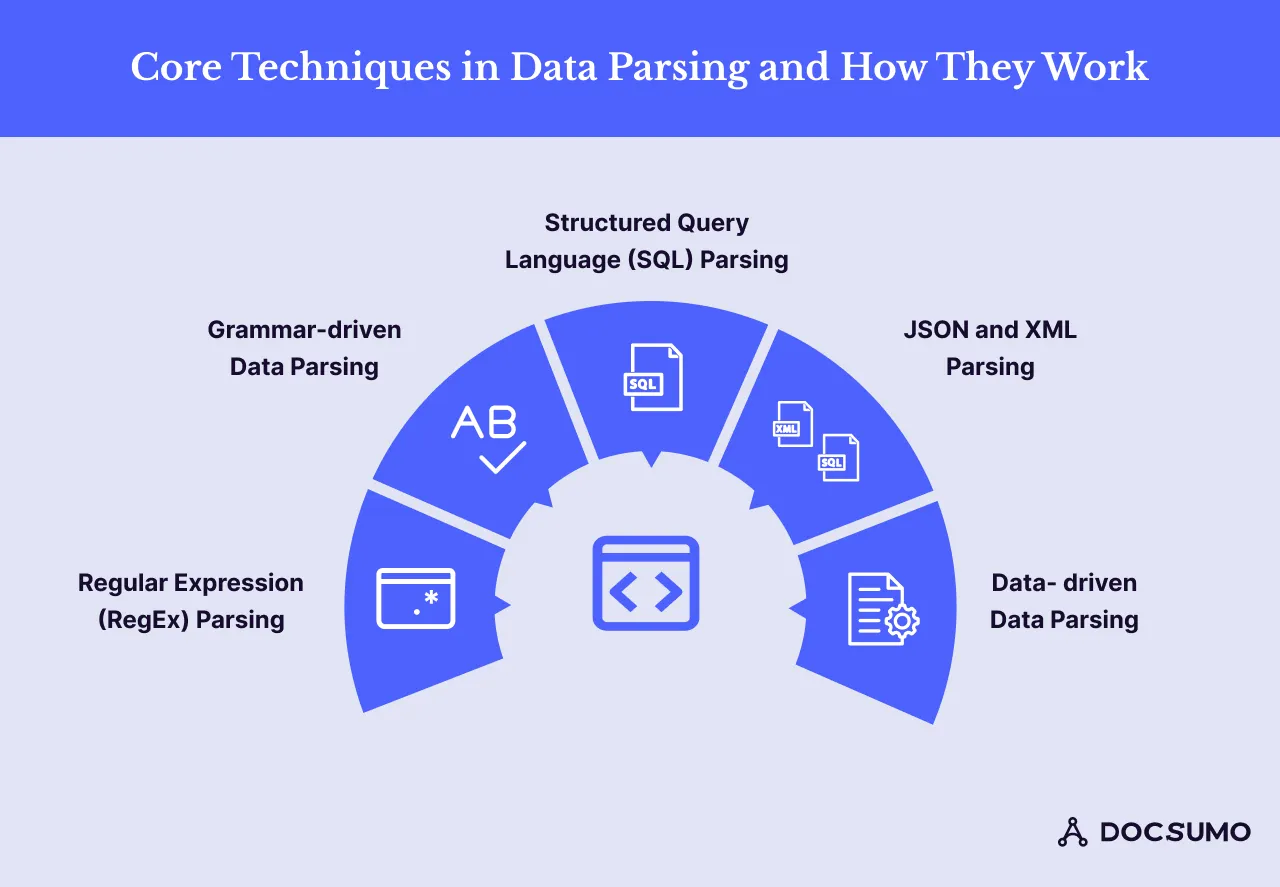
| Technique | How it works | Best for | Weak spot |
|---|---|---|---|
| Regular expressions | Patterns that match text, like a date or an email address | Short, predictable strings and validation | Breaks when the format varies |
| Format parsers | Built-in readers for JSON, XML, CSV and HTML | Data that already has a defined structure | Only as good as the input is well-formed |
| Grammar-based parsers | Formal rules describe valid input, and the parser builds a tree | Programming languages, SQL, config files | Strict: input outside the grammar fails |
| Machine learning and NLP | Models trained on labeled examples find entities and relationships | Free text and documents with varying layouts | Needs training data and confidence checks |
Regular expressions
A regular expression (regex) is a search pattern. It's the quickest way to pull a known pattern out of text:
import re

text = "Invoice INV-20418 dated 09/12/2026, total due $4,812.30"
invoice_no = re.search(r"INV-\d+", text).group()
date = re.search(r"\d{2}/\d{2}/\d{4}", text).group()
total = re.search(r"\$([\d,]+\.\d{2})", text).group(1)
print(invoice_no, date, total)  # INV-20418 09/12/2026 4,812.30
Regex is fast and precise when the pattern is fixed. It gets fragile once the format varies: a different date format, a total labeled "Amount due", or a number split across two lines.
Format parsers: JSON, XML, CSV and HTML
When data already has a defined format, use a parser built for it rather than regex. Python's json module, for example:
import json

payload = '{"vendor": "Harbor Street Supply", "total": 4812.30, "lines": 3}'
invoice = json.loads(payload)
print(invoice["vendor"], invoice["total"])
XML and HTML parsers build a tree of elements you can query. CSV readers handle quoting and delimiters. These parsers fail loudly on malformed input, which is useful: you know when something is wrong.
Grammar-based parsing
Grammar-based parsers use formal rules that define what valid input looks like, and build a parse tree from it. Compilers, SQL engines and configuration languages work this way. SQL parsing, for example, checks a statement's syntax and confirms that the tables and columns it references exist before the database runs it. Grammar parsers are exact, but input that doesn't fit the grammar is rejected.
Machine learning and NLP parsing
For free text and documents, rules don't scale. Machine learning models learn from labeled examples which words are a name, an amount or a date, and how they relate. Natural language processing adds steps such as tokenization, part-of-speech tagging and dependency parsing, which works out how words in a sentence relate to each other. Large language models now handle many of these tasks directly from a prompt.
ML parsers handle variety well, but they're probabilistic. Production systems pair them with confidence scores and validation rules so uncertain values are checked rather than trusted.
Where businesses use data parsing#
- IT and security: parsing server, application and network logs to spot errors, unusual access and security incidents.
- Finance and lending: parsing bank statements, pay stubs and tax forms to verify income and cash flow before a loan decision.
- Accounts payable: parsing invoices into header fields and line items to match against purchase orders.
- Insurance: parsing ACORD forms, loss runs and claims documents into policy and claim systems.
- Customer feedback: parsing reviews, surveys and support tickets to measure sentiment and recurring issues.
- Logistics: parsing bills of lading, shipping labels and customs documents.
- Healthcare: parsing clinical notes and forms into structured fields for records and billing.
Parsing documents: why it's different#
Parsing JSON is easy because the structure is in the data. Business documents are different:
- PDFs have no reliable structure. A PDF stores characters at positions on a page. Table rows, reading order and even words may need to be reconstructed.
- Scans are images. There's no text at all until OCR reads it.
- Layouts vary. Every bank and every vendor formats its statements and invoices differently, so position-based rules break.
- Values need checking. A misread digit still looks like a valid number.
That's why document parsing is a pipeline: OCR, layout analysis, classification, field and table extraction, then validation. Our guide to document parsing covers that pipeline step by step.
Data parsing tools#
- Python standard library:
json,csv,reandxml.etree.ElementTreecover most structured formats. - pypdf: reads text and metadata from digital PDFs. It replaced PyPDF2, which stopped development at version 3.0.1 and moved to the
pypdfpackage. - Beautiful Soup and lxml: parse HTML and XML.
- Tesseract OCR: open-source OCR for turning images into text. See our Tesseract guide.
- Cloud document APIs: Amazon Textract, Google Cloud Document AI and Azure AI Document Intelligence return text, forms and tables from documents.
- Intelligent document processing platforms: tools like Docsumo add pre-trained models for specific documents, validation rules and a review screen on top of OCR.
Should you build your own parser?#
| Build if | Buy if |
|---|---|
| You have one or two stable, documented formats | You receive many layouts from many senders |
| The data is already structured (APIs, JSON, CSV) | The data arrives as PDFs, scans and photos |
| You have engineers to maintain it as formats change | You need accuracy, audit trails and review without a dedicated team |
The hidden cost of a homegrown parser is maintenance. Each new vendor, bank or form version needs new rules, and errors surface only when a downstream report is wrong. A document platform with pre-trained models and a review queue moves that work to the vendor. Docsumo, for example, reads 250+ document types with 99% field-level accuracy and sends results to your systems through an API and webhooks.
Common data parsing challenges#
- Messy input. Missing fields, extra whitespace, inconsistent date and number formats. Normalize before you parse.
- Changing formats. A source adds a column or renames a field and the parser breaks silently. Add tests and alerts on parse failures.
- Scale. Large files need streaming parsers rather than loading everything into memory.
- Quality checks. Validate every parsed record: types, ranges, totals, duplicates. Route failures to a person instead of dropping them.
The bottom line#
Parsing turns raw data into structured data. Use format parsers for data that already has structure, regex for short fixed patterns, grammars for languages, and machine learning for free text and varied documents, always with validation on the output. When your input is business documents, plan for OCR, layout and review, not just rules. To see how that works on your own files, book a demo.
Frequently asked questions#
What does it mean to parse data?
To parse data is to read it, break it into parts and organize those parts into a structure a program can use. For example, parsing an invoice turns a page of text into fields like vendor name, invoice number, date and total.
What is the difference between data parsing and data extraction?
Extraction is pulling the data you need out of a source; parsing is interpreting its structure so each value lands in the right field. In practice they overlap, and document tools usually do both. See what is data extraction.
What is an example of a data parser?
Python's built-in json module is a parser: it reads a JSON string and returns dictionaries and lists. A web browser parses HTML into a page, and an invoice parser turns a PDF into structured invoice fields.
Should I build or buy a data parser?
Build one if you have a single, stable, well-documented format and engineers to maintain it. Buy one if you handle many document layouts that change often, since maintaining rules for each layout gets expensive.
Can you parse PDFs and scanned documents?
Yes, but a PDF has no reliable structure and a scan is only an image, so you need OCR and layout analysis first. Intelligent document processing combines those steps with field extraction and validation.
Sources
- Python documentation: json module
- Python documentation: re module
- PyPI: PyPDF2 (development moved to pypdf)
- PyPI: pypdf
First published . Last updated .