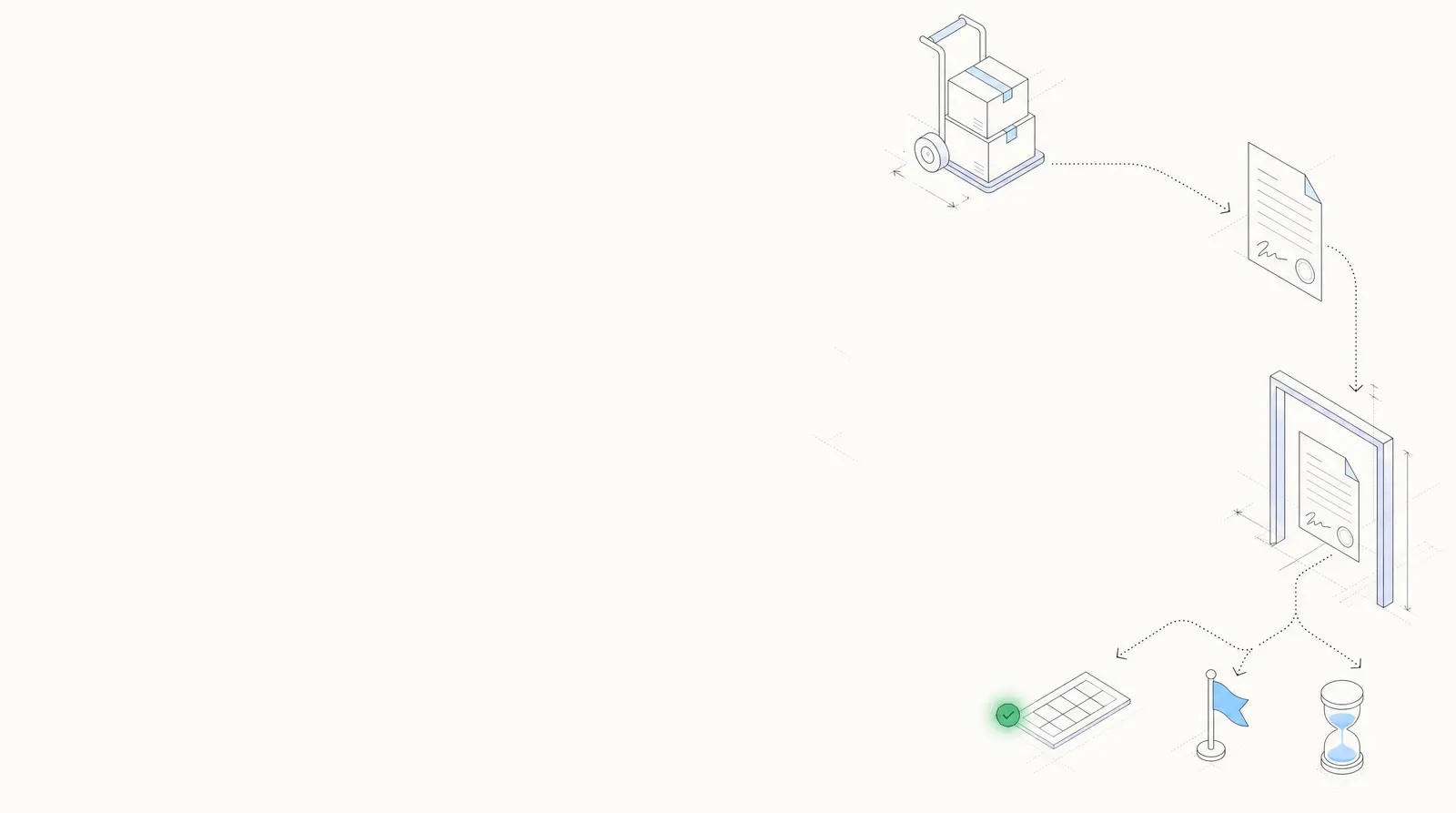
Proof of delivery OCR for PODs, delivery receipts and delivery notes
Signed PODs read into clean data, from carbon copies to driver phone photos, and checked against the BOL. Your team sees only the shortages, damage notes and missing signatures.
- 99% field-level accuracy
- 95%+ of documents processed straight through
- SOC 2 Type 2 and ISO 27001
- Consignee
- Oakline Office Supply99%
- PRO number
- 60421883799%
- Delivered
- 2026-09-17 · 14:2598%
- Received by
- M. Alvarez · signed96%
- Exception noted
- SHORT 1 PLT95%
- Pieces received
- 8 PLTBOL shipped 9 PLT
Trusted by 10,000+ mid-sized and enterprise teams, including
- Grid Finance
- Hitachi
- PayU
Who uses it
Carriers and fleets
Signed PODs read from driver photos, so billing and detention don't wait on paperwork.
3PLs and warehouses
Delivery receipts checked against the BOL and the order before client billing.
Freight brokers
Every POD checked before carrier pay goes out and the shipper is invoiced.
Shippers' AP
Freight bills checked for a signed POD before they're paid, and delivery notes matched to the PO.
Run a freight, 3PL or trucking operation? Document AI for logistics →Published story: N.S. Trucking · Faster driver payments with touchless dispatch ticket processing →
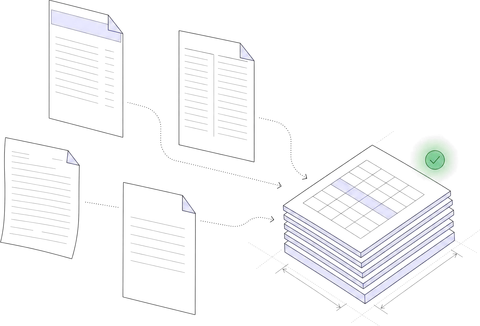
Who signed, when, how many, and what they wrote.
Proof of delivery data extraction for any carrier's receipt, scanned or photographed: the same fields every time.
| Field | Extracted value | Confidence |
|---|---|---|
| Consignee | Oakline Office Supply | |
| Delivery address | 7420 Industrial Pkwy, Indianapolis, IN 46219 | |
| Delivery date | 2026-09-17 | |
| Arrival time | 13:10 | |
| Departure time | 14:25 | |
| Carrier · SCAC | Blue Ridge Freight Lines · BRFL |
| Field | Extracted value | Confidence |
|---|---|---|
| PRO number | 604218837 | |
| BOL number | NPC-260915-031 | |
| PO number | 55821 | |
| Shipper | Northgate Paper Co. | |
| Pieces shipped | 9 PLT · 216 CTN | |
| Weight | 8,640 lb |
| Field | Extracted value | Confidence |
|---|---|---|
| Pieces received | 8 PLT | |
| Exception noted | SHORT 1 PLT | |
| Received by | M. Alvarez | |
| Signature | Present | |
| Receiving stamp | Received 2026-09-17 | |
| Driver notes | Counted with receiver · OS&D filed |
Field names and the output schema are configurable.
However it comes back, the same data.
Delivery receipts, delivery notes and dispatch tickets, with no template per carrier.
Handwriting and stamps
Counts, times and exception notes written in at the dock are read with the printed fields, and so is the receiving stamp.
Driver phone photos
Shadows, glare and curled corners, straight from the cab. Fields the model is unsure of go to a person.
Multi-stop delivery receipts
One receipt, many stops: each stop's consignee, pieces, times and signature come back as their own row.
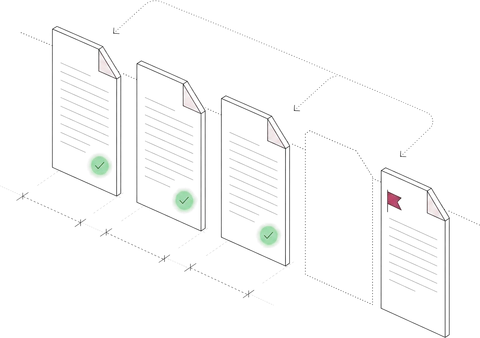
Catch the short pallet before anyone bills or pays.
Each POD is checked against the BOL and the rules you set. Only exceptions reach your team.
| Rule you set | On the POD | Checked against | Result |
|---|---|---|---|
| Pieces received match the BOL | 8 PLT received | BOL NPC-260915-031: 9 PLT | ⚑ 1 pallet short |
| Signature present | Signed, M. Alvarez | Required on every POD | ✓ Signed |
| Dates in order | Delivered 2026-09-17 | Picked up 2026-09-15 | ✓ In order |
| Exceptions flagged | SHORT 1 PLT, written in | Shortages and damage go to claims | ⚑ To claims |
| Detention from in and out times | 13:10 to 14:25, 1 h 15 min | 2 h free time | ✓ None owed |
Reading the BOL itself is bill of lading OCR. To check the carrier's invoice against the rate con, the BOL and this POD, see freight invoice audit.
Your team reviews exceptions, not PODs.
Deliveries that pass every check move on. The rest arrive with the reason, the source line and the values that disagree.
Review queue 3 of 12 deliveries
✓ 9 passed every check and moved on
- BOL handling units
- 9 pallets
- Delivery receipt
- 8 pallets
The receiver wrote the shortage on the receipt and signed it, so the claim starts from this copy.
- Pieces shipped9 PLT
- Pieces received8 PLT
- Exception notedSHORT 1 PLT
- Received byM. Alvarez
- Exceptions onlyPODs that pass every check don't wait for a person.
- The source, highlightedClick a field to see the line it came from.
- Thresholds you setConfidence thresholds per field decide what goes to review.
- On the recordEvery correction and approval is logged, and corrections improve the model.
What changes when nobody keys PODs.
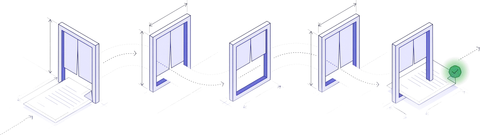
From the driver's photo to your TMS, in five steps.
- 01
Collect
PODs by email, upload or API, from drivers, carriers or your TMS.
Collection agent - 02
Classify and split
A scanned driver packet becomes the POD, BOL and receipts inside it.
Classification agent - 03
Extract
Times, pieces, signatures, stamps and notes, each with a confidence score.
Extraction agent - 04
Verify
Against the BOL, your delivery terms and your rules.
Verification agent - 05
Export
To your TMS, billing or claims system, by API or webhook.
Workflow agent
Every POD as the same JSON.
Delivery data lands in your TMS, billing or claims system, with the controls your security review will ask about.
 SOC 2 Type 2Independently audited controls
- ISO 27001Certified security management
 HIPAAFor protected health data
 GDPRFor EU personal data
Encrypted with TLS in transit and AES-256 at rest. Your documents are not used to train shared or third-party models.
How Docsumo protects your data →// POST https://your-tms.example.com/hooks/docsumo { "meta_data": { "title": "pod-604218837.jpg" }, "data": { "Delivery": { "Delivery Date": { "value": "2026-09-17", "confidence": 0.98 }, "Arrival Time": { "value": "13:10", "confidence": 0.96 }, "Departure Time": { "value": "14:25", "confidence": 0.96 } // 3 more fields }, "Shipment": { "PRO Number": { "value": "604218837", "confidence": 0.99 }, "BOL Number": { "value": "NPC-260915-031", "confidence": 0.99 } }, "Sign-off": { "Pieces Received": { "value": 8, "confidence": 0.97 }, "Exception": { "value": "SHORT 1 PLT", "confidence": 0.95 } } } }
Your TMS or billing system
PODs in by email, upload or API; checked data out to the system that bills and pays.
A test environment
Your engineers validate changes before they reach production.
Audit log and permissions
By role, team and document type. Every approval recorded.
What freight teams ask about proof of delivery OCR.
What is proof of delivery OCR?
Proof of delivery OCR is software that reads a signed POD, delivery receipt or delivery note, scanned or photographed, and turns it into structured data: the consignee, the delivery date and arrival and departure times, the pieces received, the BOL, PRO and order numbers, the signature and any exceptions written on it. Plain OCR returns text. Docsumo, an intelligent document processing platform, returns named fields with confidence scores and checks them against the bill of lading and your rules, so your team handles only the deliveries that don't match.
What data can be extracted from a proof of delivery?
The consignee and delivery address; the delivery date and the arrival and departure times; the carrier, PRO, BOL and PO numbers; the pieces and weight shipped and received; who signed and whether the POD is signed; exceptions such as shortages, damage and refusals; the receiving stamp; and the driver's notes. Field names and the output schema are configurable.
Can it read handwriting, stamps and driver phone photos?
Yes. Docsumo reads handwritten as well as printed text, so counts, times and exception notes written in at the dock are extracted along with the printed fields and the text of the receiving stamp, from scans and phone photos alike. Every value carries a confidence score, and anything below the threshold you set goes to a person with the source highlighted.
Does it read delivery receipts, delivery notes and multi-stop receipts?
Yes. A carrier's delivery receipt, a supplier's delivery note and a signed dispatch or delivery ticket carry the same facts under different names, and Docsumo reads them into the same fields, with no template per carrier or supplier. A multi-stop receipt comes back as one row per stop, each with its own consignee, pieces, times and signature. Docsumo has pre-trained models for 250+ document types and isn't limited to them.
How does Docsumo check a POD against the bill of lading?
Cross-document validation compares the POD with the load's BOL: pieces received against pieces shipped, and the BOL, PRO and PO numbers against each other. Rules you set cover the POD itself: a signature present, dates in order, and exceptions sent to claims or billing. PODs that pass move on; the rest go to review with the values that disagree. Cross-document checks are on the Enterprise plan.
Can it work out detention from the arrival and departure times?
Yes, as a rule you configure. Docsumo reads the in and out times on the POD, works out the time on site and compares it with the free time in your terms. Detention owed is flagged for billing, and detention a carrier invoices is checked against the POD. Times the model can't read with confidence go to a person first.
Is Docsumo an electronic proof of delivery (ePOD) app?
No. An ePOD app captures a signature on the driver's phone at the door. Docsumo reads the proof of delivery that comes back, however it was made: a paper receipt, a scan, a phone photo or an ePOD PDF. It extracts the data and checks it before anyone bills or pays.
Is our shipment data secure?
Docsumo is SOC 2 Type 2 audited and ISO/IEC 27001:2022 certified. Your documents and extracted data are not used to train shared or third-party models, access is set by role, team and document type, and every review and approval is recorded in an audit log.
Can we test it on our own PODs?
Yes. Start a free trial with 1,000 pages for 14 days, using pre-trained models and no training data. Or book a demo and bring a stack of real PODs, from clean scans to driver photos; we run them live.
Bring a stack of signed PODs to the demo.
Scans, driver photos and multi-stop receipts. We run them live and show every field, every check and every exception.