Back office automation: what software can take over, and what your team should keep
For operations and finance leaders at lenders, insurers, AP teams and outsourcing firms (BPOs). Learn what each kind of tool automates, and which work to keep with your own team.

Key takeaways
- Back office automation is software that does routine processing, such as entering data from documents and passing work between systems.
- Four main kinds of tools share the name. Software robots (RPA), integration platforms and workflow tools move data and tasks. Document AI reads the documents the work starts from.
- If the work starts with a document, first automate the step that reads it. The later steps need the document's data before they can run.
- Automation leaves behind the exceptions, which are problems a person must fix. In accounts payable, 18.4% of invoices have an exception, according to Ardent Partners' State of ePayables 2025, a sponsored analyst report.
- Keep the exception work with your own team. The answers depend on your rules. With software your team runs, you decide when a rule changes.
On this page
- What counts as back office work
- Four main kinds of back office automation tools
- One loan file, by hand and automated
- Automate the work, or send it to a provider?
- The work your team keeps after automation
- How to start automating back office work
- Where Docsumo fits
- Before you renew an outsourcing contract
- Frequently asked questions
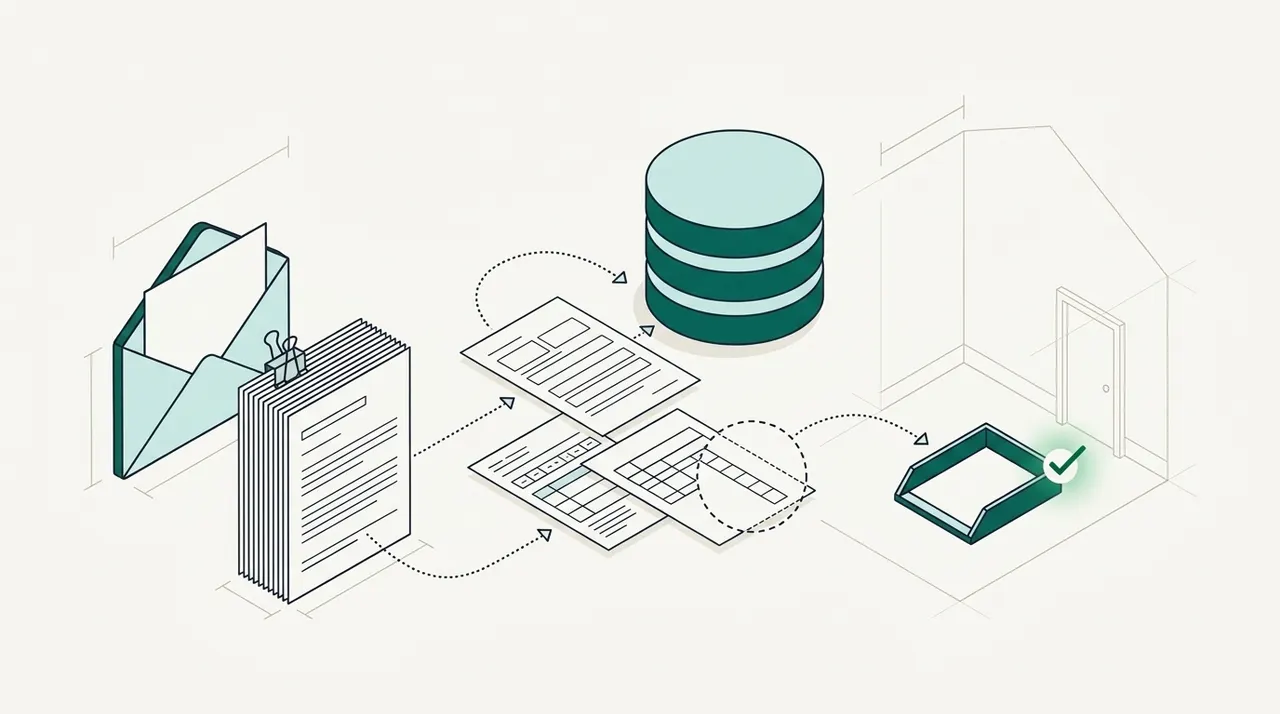
Back office automation is software that does the routine work behind the teams that serve customers. It takes in documents, enters their data, runs checks and passes the work to the next step. Most of that work starts with a document, such as a loan file or an invoice. Software can't do the later steps until it has read the document. So the more of each document the software can read, the more of the work you can automate.
What counts as back office work#
The front office deals with customers. It sells the loan or quotes the policy. The back office does the processing that follows. At a lender, it checks income documents and prepares each file for closing. At an insurer, it handles policy changes and sets up new claims. In accounts payable (AP), the work is processing invoices and preparing payment runs. A business process outsourcing (BPO) firm does the same work for its clients.
Most of this work follows one pattern. A document arrives by email, upload or mail. Someone reads it, types the values into a system and checks them against another record. Then the task passes to the next person. Back office automation takes over these steps. The decisions stay with your people. They still decide whether to approve a loan or pay a claim.
Four main kinds of back office automation tools#
Vendors use the term for four main kinds of tools. Each one takes over a different step. Some of these tools rely on APIs. An API is a connection that lets one program send data to another.
| Kind of tool | What it's built for | A back office example |
|---|---|---|
| Robotic process automation (RPA) | Repeating the clicks and typing a person does in other systems' screens, including systems that have no API. | Copying approved invoice data into an older accounting system. |
| Integration platform (iPaaS) | Moving data between systems through their APIs, when something happens or on a schedule. | Sending each new loan's details from one system to another overnight. |
| Workflow tool | Assigning tasks, sending approvals to the right person and tracking each case through its stages. | Sending a large invoice to the controller for approval. |
| Document AI, also called intelligent document processing (IDP) | Reading documents into fields. It sorts and splits files, runs checks and sends unclear fields to a person. | Reading a claim packet and flagging a claim form that has no policy number. |
Many back offices use two kinds together. For example, document AI reads a loan file, and an integration sends the data to the loan system. Some vendors of the other three kinds now sell a document-reading module as well. Whichever tools you choose, automate the reading step first when your work starts with a document. The later steps need the document's data before they can run. RPA vs AI for document data extraction compares the two approaches for documents. Some tools now add AI agents for the steps a fixed rule can't handle, which agentic process automation covers.
One loan file, by hand and automated#
Take a small business loan file that arrives in a lender's shared inbox. The broker's email holds one 30-page PDF with the application, business bank statements and last year's tax return. The lender needs three months of statements, but the PDF has only two.
By hand
- A processor saves the PDF and cuts it into separate documents
- Deposits and balances are typed into a spreadsheet
- The business name is compared across the documents by eye
- Someone notices the missing month late and emails the broker
Automated
- The email reaches the software, which splits the PDF and labels each document
- Deposits and balances are read, and each running balance is checked
- The business name is compared across the documents automatically
- The missing month is flagged, and an email asks the broker for it
In the automated version, the processor opens the file only when something fails. If a running balance doesn't match the transactions, the software sends that statement to a review queue. It sends any figure it couldn't read clearly to the same queue. Everything else goes to the loan system through the API and webhooks. Nobody has to type any of it. Financial document automation covers more lending examples.
Automate the work, or send it to a provider?#
Before they automate, many back office leaders look at outsourcing. A BPO provider takes on the work, and its staff enter the documents and run your checks. Companies often do some of both. In Deloitte's 2024 Global Outsourcing Survey of more than 500 executives, 80% planned to keep or raise their spending on outsourcing. Yet 70% said they had brought some outsourced work back in-house over the previous five years.
With outsourcing, the provider's staff do the data entry. Some files also have exceptions. An exception is a problem that needs a person, such as a missing document or a figure that doesn't match. The provider's staff handle the exceptions their written instructions cover. They send the rest back to your team, because the answers depend on your rules. Providers usually charge per document, per person or per month, so the bill tends to grow with your volume. A rule change goes through the provider's team before it takes effect. Shared services is another option, where one internal team does the work for every business unit. The accounts payable outsourcing guide compares outsourcing, shared services and automation for AP, including how providers price the work.
Automation removes most of the data entry instead. Software reads and checks the documents, and your staff handle what fails. You pay for the software and for your team's review hours. Your team spends time only on the exceptions, not on every document. A BPO can automate its own work too. When each document takes fewer minutes, the same staff can take on more client work.
The work your team keeps after automation#
Automation doesn't remove every task. It removes the typing and leaves the exceptions. In AP, 18.4% of invoices run into an exception, according to Ardent Partners' State of ePayables 2025, a sponsored analyst report. The same report puts the average cost to process one invoice at $9.84. Loan files and claim files have exceptions of their own, such as a missing bank statement or a claim form without a policy number.
Enter your own numbers in the calculator below. It shows the hours of hand work today and the review hours left after automation. It starts with 5,000 documents a month at 8 minutes each, which take about 667 hours by hand. Now suppose 80% of the documents go straight through after automation, so no person touches them. Each of the others takes 3 minutes to review. That leaves about 50 hours of review a month. Your own team would still do those 50 hours of review. Human-in-the-loop review explains how to set up that review.
Hand work today, and the review hours left after automation
What automating document data entry saves your team, and the most the software can cost before it stops paying for itself.
- Hours per month today
- Hours per month with automation
- Labor saved per month: your break-even software budget
- Labor saved per year
How it's worked out
- Hours today are documents times minutes by hand. With automation, only the documents that don't go straight through take a person's time, at the review minutes you set.
- Labor saved is the hours saved times the hourly cost. Software that costs less than that a month pays for itself on labor alone.
- It leaves out setup time and the value of faster turnaround.
Our take. Keep those review hours with your own team. There aren't many of them. But in those hours, a person decides how your rules apply to each case. Can the loan file move on while the third statement is on its way? Should an invoice priced a little above the order be paid? A provider's staff answer the questions their written instructions cover and send the rest back to you. Every change to the instructions goes through the provider. With software your own team runs, your staff see every exception, and your team decides when a check changes.
How to start automating back office work#
- Count what arrivesFor one month, log each document type, how it arrives and how long it takes by hand.
- Pick one document typeChoose one that arrives in large numbers and that a decision depends on. Bank statements in loan files and invoices in AP are common first choices.
- Write down the checksList what your team compares each document against today, such as the application, the purchase order or the loan's terms.
- Decide where the data goesSend it to your loan, policy or accounting system through APIs and webhooks. Use a bot only where a system has no API.
- Do the work both ways for a few weeksProcess the same documents by hand and with the software. Count the documents a person still had to open and the fields they fixed. Those two counts show whether the automation works.
Each team starts from different documents. The lending and insurance pages show the documents and checks for each team. For invoices, see accounts payable automation.
Where Docsumo fits#
Docsumo handles the document part of back office work. It reads and checks the documents, and your own staff still make the decisions. Your core systems, such as the loan system or the ledger, stay as they are. Docsumo sends them the data through its API and webhooks. A webhook sends the data automatically when it's ready.
Documents come in by email, by upload or through the API. Docsumo has its own inbox for emails, so a shared mailbox can forward attachments to it. On the Business plan, auto-classification and splitting sort each file and cut a combined PDF into its documents. AI Split takes a plain-English definition of each document type. It handles mixed packets, such as loan application binders and insurance claim packets.
Docsumo covers 250+ document types with 99% field-level accuracy. Docsumo reads other types too, because large language models (LLMs) turn the text of any document into fields. It also reads handwritten text. A confidence threshold is how sure the software must be about a value. You set one for each field. A field below the threshold goes to your team, and clicking it shows the line it came from. Each correction improves the model.
Docsumo also checks the data it reads. It checks the running balance on bank statements and flags an invoice that duplicates one already received. On the Business plan, it routes invoices for approval by the rules you set. On the Enterprise plan, cross-document validation checks one document against another, such as an invoice against its purchase order and receipt. The Enterprise plan also adds case management and automated workflows. When a document is missing, Docsumo's Document Collection and Email agents email the sender to ask for it. These agents are AI software, not people.
Docsumo supplies the software, not a managed review team, so your own staff handle the exceptions. It's cloud only, SOC 2 Type 2 audited and ISO/IEC 27001:2022 certified. The security page has the details. Arbor, a US multifamily lender, uses it for insurance compliance documents. ClearOne Advantage uses it for creditors' settlement letters, and Valtatech uses it for invoices.
- 3,000+work hours saved every month at Arbor
- 96.67%less processing time at ClearOne Advantage, across 170,000 documents in nine months
- 65%+lower data processing costs at Valtatech
Before you renew an outsourcing contract#
Count what the provider sends back to your team in a normal month. Your team already answers those exceptions, and it would answer them with software too. Then compare two costs for the work that isn't an exception. One is the provider's fees. The other is the software plus your team's review hours. Test the software on a month of your own files before you decide.
Book a demo with a few of your own loan files, claims or invoices, or start a free trial.
Frequently asked questions#
What is back office automation?
Back office automation is software that does the routine work behind the teams that serve customers. It reads incoming documents, checks their data and passes the work between systems. People still handle the exceptions and make the decisions.
What are examples of back office automation?
Software sorts the documents in a loan file and reads each one. Invoices are matched to purchase orders and sent for approval. Vendor statements are matched to the ledger. A bot copies approved data into an older system that has no API.
What are examples of back office software?
The core systems are accounting software, loan origination and servicing systems, policy administration and claims systems, and payroll. Around them sit the automation tools, such as RPA bots, integration platforms, workflow tools and document AI.
Is a CRM a back office tool?
No. A CRM tracks customers and sales, which is front office work. Back office teams process the work that front office teams bring in, such as loan files and policy changes. They also process the invoices that suppliers send. The CRM and the back office systems usually share data through APIs.
Will AI replace back office jobs?
Some of them. The US Bureau of Labor Statistics projects data entry keyer jobs to fall 25.5% from 2025 to 2035. It expects office and administrative support jobs to shrink 4.0%. It says automation tools, including those powered by AI, are likely to reduce demand for several of these jobs. The work that stays is checking exceptions and deciding what to do about them.
Sources
- Ardent Partners: State of ePayables 2025, Part Nine: AP benchmarks and best-in-class performance (sponsored analyst report, Jan 22, 2026)
- Deloitte: Global Outsourcing Survey 2024
- US Bureau of Labor Statistics: Employment Projections, 2025–2035 summary (Aug 27, 2026)
- US Bureau of Labor Statistics: Table 1.6, occupations with the largest job declines, 2025 and projected 2035
- UiPath: UiPath IXP (Intelligent Xtraction & Processing)
- Automation Anywhere: AI Document Automation
- Workato docs: IDP by Workato
- Pipefy: Intelligent document processing
First published .