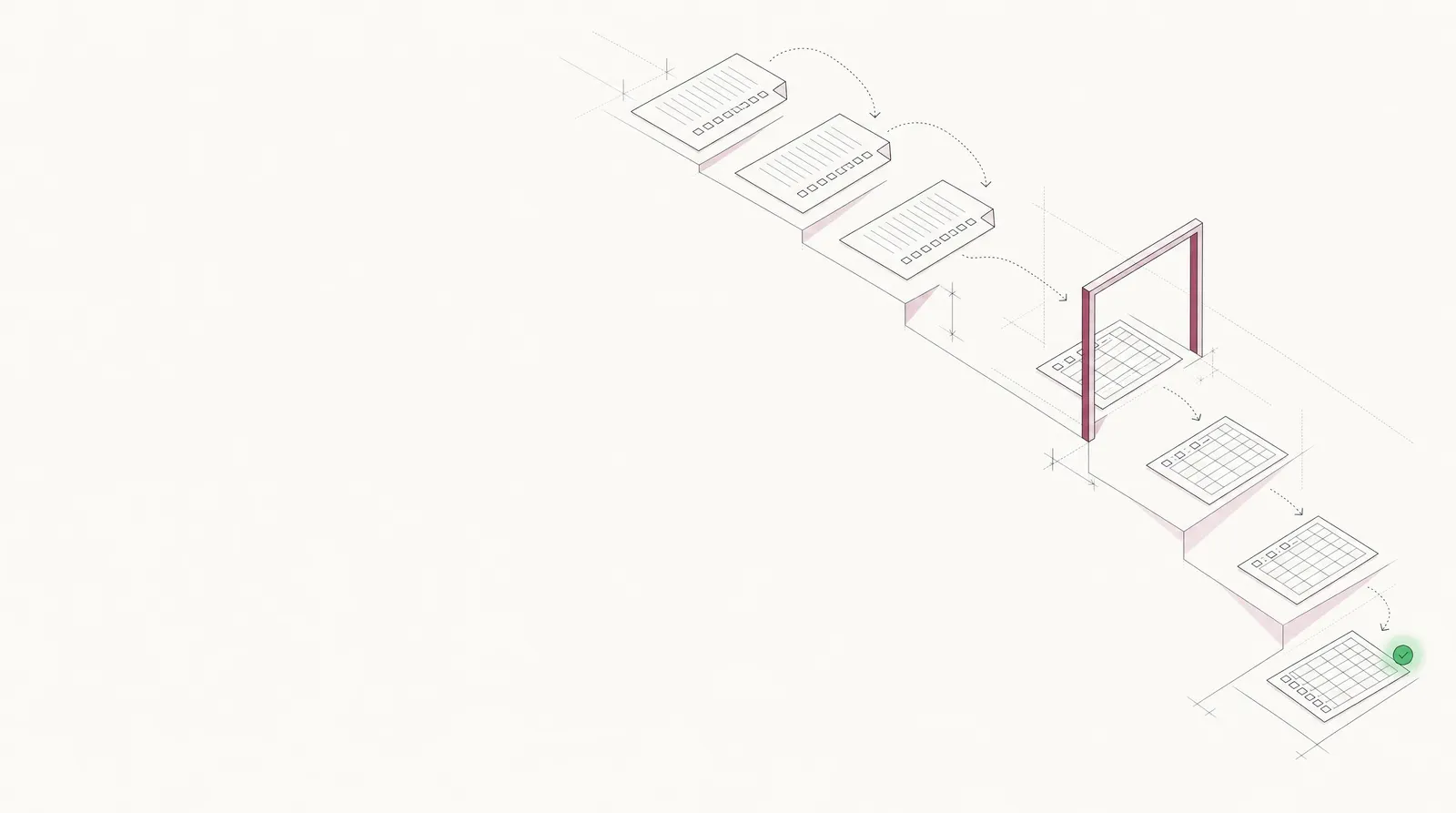
ACORD form processing that reads every field, from certificates to applications
Certificates, property evidence and commercial submissions, read field by field and checked against your requirements. Your team reviews the exceptions, not the forms.
- 99% field-level accuracy on 250+ document types
- 95%+ of documents processed straight through
- SOC 2 Type 2, HIPAA and GDPR
- Insured
- Keystone HVAC LLC99%
- Certificate holder
- Riverside Plaza LLC99%
- GL each occurrence
- $1,000,00099%
- General aggregate
- $2,000,00099%
- GL expiration
- 07/01/202798%
- Umbrella each occurrence
- $2,000,000Below $5M required
Trusted by 10,000+ mid-sized and enterprise teams, including
- Grid Finance
- Hitachi
- PayU
Who uses it
Carriers, MGAs and brokers
Submissions with their ACORD 125, 126, 130 and 140, read into your rating and underwriting systems.
Lenders and servicers
Borrowers' ACORD 25, 27 and 28 checked for limits, dates and the lender as mortgagee.
Risk and compliance platforms
Certificates read by API inside COI tracking and verification products.
Vendor onboarding and AP
A new vendor's certificate and W-9 checked before it's set up or paid.

Every field on the certificate, from any edition.
Scanned or fillable, from any agency system. The same structure every time, checkboxes included.
| Field | Extracted value | Confidence |
|---|---|---|
| Issue date | 2026-09-18 | |
| ACORD version | 2016/03 | |
| Producer | Allegheny Risk Partners LLC | |
| Insured | Keystone HVAC LLC | |
| Insurer A · NAIC | Brightwater Casualty Company · 21873 | |
| Insurer B · NAIC | Brightwater Specialty Insurance Co. · 34418 | |
| Insurer C · NAIC | Laurel Highlands Mutual Insurance Co. · 13052 |
| Field | Extracted value | Confidence |
|---|---|---|
| General liability | GL 7204418 · A · occurrence | |
| Auto liability | CA 7204419 · A · any auto | |
| Umbrella | UMB 3310582 · B · occurrence | |
| Workers comp | WC 5519027 · C · per statute | |
| GL, auto, umbrella term | 2026-07-01 → 2027-07-01 | |
| Workers comp term | 2026-03-15 → 2027-03-15 | |
| Additional insured | General liability, auto | |
| Waiver of subrogation | General liability, auto, WC |
| Field | Extracted value | Confidence |
|---|---|---|
| Each occurrence | 1,000,000 | |
| General aggregate | 2,000,000 | |
| Products-comp/op aggregate | 2,000,000 | |
| Auto combined single limit | 1,000,000 | |
| Umbrella each occurrence | 2,000,000 | |
| E.L. each accident | 1,000,000 |
| Field | Extracted value | Confidence |
|---|---|---|
| Certificate holder | Riverside Plaza LLC | |
| Holder address | c/o Harbor Point Properties, 500 Penn Ave, Suite 1200, Pittsburgh, PA 15222 | |
| Certificate number | CL2609180417 | |
| Description of operations | HVAC maintenance and repair at 1 Riverside Plaza … | |
| Authorized representative | Signed |
Field names follow Docsumo's pre-trained ACORD 25 model and are configurable. What each field means is in our ACORD 25 guide.
Applications and property evidence, read the same way.
Pick a form to see what Docsumo reads from it and what it's checked against.
Commercial applications
Evidence of property insurance
ACORD 125: Commercial insurance application
Agents and brokers send it to carriers and MGAs, with the line sections.✓ 3 passedThe first section of a commercial submission: the applicant, its premises and the lines it wants quoted.
What Docsumo reads
- Applicant
- Keystone HVAC LLC
- FEIN
- ••-•••6120
- NAICS
- 238220
- Proposed term
- 2026-07-01 → 2027-07-01
- Sections attached
- GL, property, auto, umbrella
- Full-time employees
- 46
- Annual revenues
- 8,450,000
- Premises 1
- 2150 Liberty Ave, Pittsburgh, PA 15222
Checked against
- SubmissionEvery section ticked is attached✓ 4 of 4 in
- Every sectionApplicant, FEIN and proposed term✓ Same on all
- Your rulesNAICS code against the classes you write✓ Accepted
Keystone's applications agree with its certificate above.
The ACORD 24, 101 and 131 and carriers' own supplements are read the same way, with no templates. Collecting certificates from every vendor and chasing renewals is COI tracking; for claims, policies and the rest of an insurer's documents, see insurance.
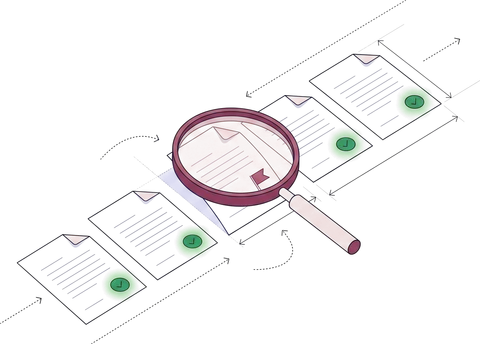
Every certificate checked against the contract.
Limits, dates, the holder and the endorsements are checked against your requirements. Only the failures reach your team.
Limits
Every line at or above the contract minimum.
Dates
Every policy in force on the contract start date.
Certificate holder
Your legal name and address, exactly.
Additional insured and waiver
Marked where the contract requires them, backed by the endorsement.
Uncertain fields
Low-confidence values go to review; the rest go straight through.
What changes when forms stop waiting on people.

From inbox to your system, in five steps.
- 01
Collect
Email, upload or API: one certificate or a whole submission.
Collection agent - 02
Classify and split
A 30-page submission becomes the 125, 126, 140 and supplements inside it.
Classification agent - 03
Extract
Every insurer, policy, date, limit and checkbox, each with a confidence score.
Extraction agent - 04
Verify
Against your requirements, the other forms and your records.
Verification agent - 05
Review and post
Exceptions to your team; clean forms to your system.
Review queue · API
Every certificate becomes a row, every field a column. Filter by asking a question, then export or send it on.
“We love Docsumo for its ease of integration and the flexibility it provides with API and webhook callbacks.”
 Howard Leiner, CTO, Arbor
Clean data in the system you work in.
Each form arrives as JSON in your policy, agency or vendor system, with the controls your security review will ask about.
 SOC 2 Type 2Independently audited controls
- ISO 27001Certified security management
 HIPAAFor protected health data
 GDPRFor EU personal data
Encrypted with TLS in transit and AES-256 at rest. Your documents are not used to train shared or third-party models.
How Docsumo protects your data →// POST https://your-system.example.com/hooks/docsumo { "meta_data": { "title": "keystone-coi.pdf" }, "data": { "CGL Basic Information": { "Policy Exp": { "value": "07/01/2027", "confidence": 0.99 } }, "CGL Limits": { "Each Occurrence": { "value": "$1,000,000", "confidence": 0.99 } }, "UL Limits": { "Each Occurrence": { "value": "$2,000,000", "confidence": 0.97 } }, // 139 more fields } }
Your policy, agency or vendor system
Forms in by email, upload or API; checked data out to the system you work in.
A test environment
Your engineers validate changes before they reach production.
Audit log and permissions
By role, team and document type. Every approval recorded.
What teams ask about ACORD form processing.
What is ACORD form processing?
ACORD form processing is the automated reading of standard insurance forms into structured data, followed by checks against your requirements. Docsumo is an intelligent document processing platform. It reads certificates of insurance (ACORD 25, 27 and 28) and commercial applications (ACORD 125, 126, 130 and 140) from PDFs, scans and email, captures every insurer, policy, date, limit and checkbox with a confidence score, and sends your team only the forms that fail a check.
Which ACORD forms can Docsumo read?
Certificates and evidence of insurance (ACORD 24, 25, 27 and 28), commercial applications and their sections (ACORD 125, 126, 130, 131 and 140) and the ACORD 101 additional remarks schedule. Pre-trained models cover the most common forms, including the 25, 27, 28 and 125, and any other form is read the same way, with no templates, across editions and agency-system layouts.
How is ACORD form processing different from ACORD OCR?
OCR turns a scanned form into text. It doesn't know which figure is the general aggregate, which policy belongs to insurer B, or whether the additional insured box is marked. ACORD form processing reads each field into a named value with a confidence score, captures the checkboxes, and checks the result against your requirements and the rest of the file.
Can Docsumo check a certificate of insurance against our contract requirements?
Yes. Each certificate is checked against the requirements you set: minimum limits per line, policies in force on the start date, the certificate holder's exact name, and additional insured and waiver of subrogation where the contract asks for them. Checks against other documents in the file, such as the endorsement, the W-9 or the vendor record, use cross-document validation on the Enterprise plan.
Does it read scanned and handwritten ACORD forms?
Yes. Docsumo reads fillable and flattened PDFs, scans and phone photos, and it reads handwritten as well as printed text. Checkboxes such as ADDL INSD, SUBR WVD and occurrence or claims-made come through as yes or no values. Fields the model is unsure about go to a person for review.
Who uses Docsumo for ACORD forms?
Lenders, risk and compliance platforms, carriers and MGAs. Arbor reads insurance compliance documents at 99% accuracy and saves more than 3,000 work hours a month, and Vertikal RMS fast-tracked certificate of insurance verification with automated ACORD form capture.
How does the extracted data reach our systems?
Forms come in by email, upload or REST API, and structured JSON goes back to your policy, agency or vendor system by webhook, with a confidence score on every field. A separate test environment lets your engineers validate changes before they reach production.
Is it secure enough for policy and applicant data?
Docsumo is SOC 2 Type 2 audited, ISO/IEC 27001:2022 certified, and HIPAA and GDPR compliant. Your documents and extracted data are not used to train shared or third-party models. Access is set by role, team and document type, and every review and approval is recorded in an audit log.
Can we test it on our own forms?
Yes. Book a demo and bring a real certificate or submission, and we run it live. You can also start a free trial: 1,000 pages for 14 days, with pre-trained models for common ACORD forms.
Bring a real certificate to the demo.
A scanned ACORD 25, or a full submission with its 125 and 126. We run it live and show every field and every check.