What is image classification? Techniques, tools and uses in document AI
For engineers and operations leads: how image classification works, which techniques and tools to use, a small working example, and how classifying document images speeds up data extraction.

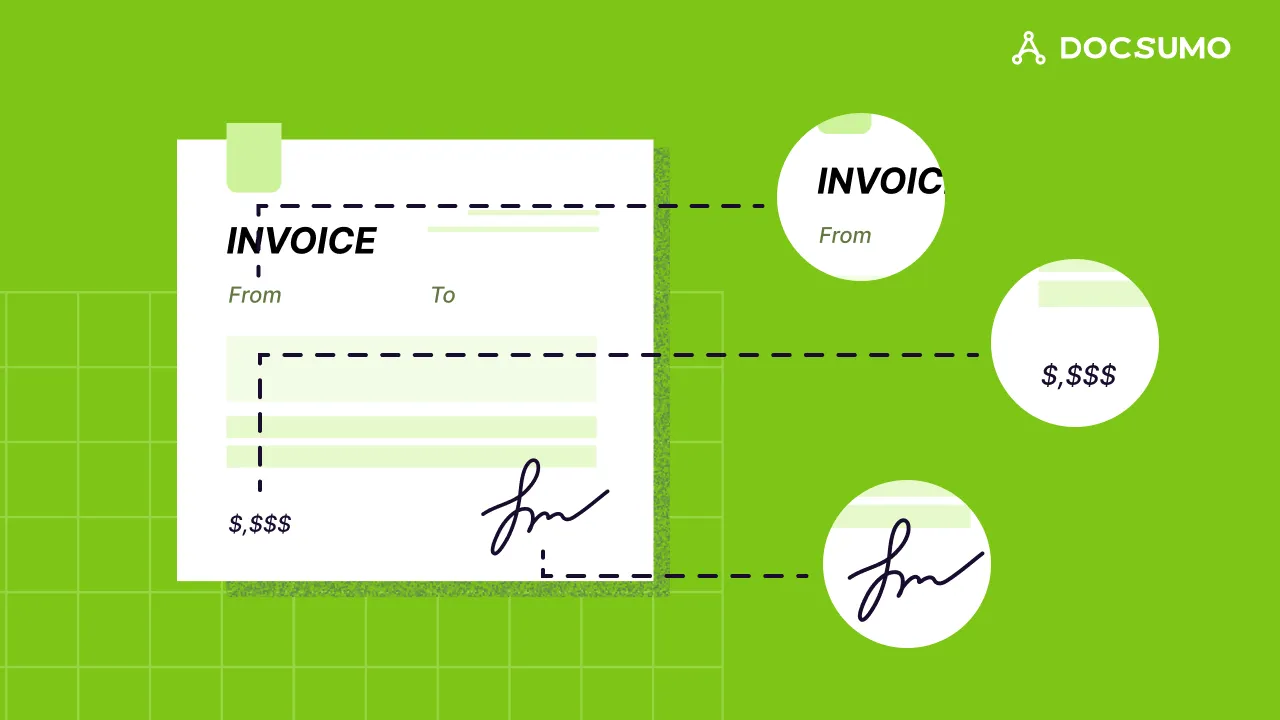
Key takeaways
- Image classification is a computer vision task that assigns one label, or a set of labels, to a whole image, such as invoice, bank statement or driver's license.
- Most image classifiers are trained with supervised learning on labeled examples; convolutional neural networks and vision transformers are the standard models today.
- It differs from object detection (finding and boxing objects) and segmentation (labeling every pixel).
- In document processing, classifying page images is the first step: it decides which extraction model and rules each page gets.
- Popular tools include PyTorch, TensorFlow with Keras, scikit-learn and OpenCV; pre-trained models and transfer learning cut the data you need.
On this page
- How image classification works
- Image classification vs related tasks
- Image classification techniques
- A simple image classifier in Python
- Image classification tools
- Where image classification is used
- How image classification speeds up document data extraction
- Challenges and how to address them
- The bottom line
- Frequently asked questions
Image classification is a computer vision task in which a model looks at a whole image and assigns it a label from a fixed set of categories, such as "invoice", "bank statement" or "driver's license", usually with a confidence score for each. It's the foundation of visual AI, and in document processing it's the first step: once a page image is classified, the system knows which extraction model and rules to apply.
This guide explains how image classification works, the main techniques and tools, a short runnable example, and how it's used to speed up document data extraction.
How image classification works#
- Collect and label images. Each training image gets a label: this page is an invoice, that one a pay stub.
- Preprocess. Images are resized, normalized and often augmented (rotated, cropped, brightness changed) so the model learns to handle variation.
- Learn features. The model learns which visual patterns separate the classes: edges and shapes in early layers, then higher-level structures such as table grids, logos or text blocks.
- Predict. For a new image, the model outputs a probability for each class, for example invoice 94%, bank statement 5%, contract 1%.
- Act on confidence. High-confidence predictions are accepted; low-confidence ones go to a person.
Training approaches
- Supervised learning uses labeled images and is how most production classifiers are built.
- Unsupervised learning groups unlabeled images by similarity (clustering), which helps you discover what's in an unknown archive.
- Semi-supervised learning combines a small labeled set with many unlabeled images.
- Transfer learning starts from a model pre-trained on millions of images and fine-tunes it on your classes, which cuts the data and compute you need.
Image classification vs related tasks#
| Task | Output | Document example |
|---|---|---|
| Image classification | One label (or a few) for the whole image | This page is a bank statement |
| Object detection | A box and label for each object | There's a signature here and a table there |
| Segmentation | A label for every pixel | These pixels are text, these are a stamp |
| OCR | The text in the image | The words and numbers on the page |
For more, see layout detection and image segmentation.
Image classification techniques#
| Technique | How it works | When to use it |
|---|---|---|
| Convolutional neural networks (CNNs) | Layers of learned filters detect patterns from edges up to whole structures | The default for most image tasks; many pre-trained models available |
| Vision transformers (ViTs) | Split the image into patches and learn relationships between them with attention | Large datasets and high accuracy targets; strong pre-trained models |
| Support vector machines (SVMs) | Find the boundary that separates classes with the widest margin, on pixel or engineered features | Small, clean datasets; fast baselines |
| k-nearest neighbors (KNN) | Label an image by the majority label of the most similar training images (a supervised method) | Tiny datasets and quick prototypes |
| Decision trees and random forests | Split on feature values; forests combine many trees | Engineered features rather than raw pixels |
For documents, the best classifiers combine the page image with its text (from OCR) and layout, because a bank statement and a credit card statement can look alike but use different words.
A simple image classifier in Python#
This example trains an SVM on scikit-learn's built-in dataset of 1,797 small images of handwritten digits. It runs on Python 3.11+ with scikit-learn 1.9 (pip install scikit-learn), with no downloads.
from sklearn.datasets import load_digits
from sklearn.model_selection import train_test_split
from sklearn.svm import SVC
from sklearn.metrics import accuracy_score

# 1,797 labeled 8x8 grayscale images of handwritten digits (0-9)
digits = load_digits()
X = digits.images.reshape(len(digits.images), -1)  # flatten each image to 64 pixel values
X_train, X_test, y_train, y_test = train_test_split(
    X, digits.target, test_size=0.25, random_state=42, stratify=digits.target
)

model = SVC(gamma=0.001)  # a support vector machine classifier
model.fit(X_train, y_train)

pred = model.predict(X_test)
print(f"Test accuracy: {accuracy_score(y_test, pred):.1%} on {len(y_test)} images")
Output:
Test accuracy: 98.9% on 450 images
Real document images are much larger and more varied than 8x8 digits, so production classifiers use a pre-trained CNN or vision transformer (for example from torchvision or Keras) fine-tuned on your own labeled pages.
Image classification tools#
| Tool | Type | Good for |
|---|---|---|
| PyTorch and torchvision | Open-source deep learning framework | Research and production models; large library of pre-trained vision models |
| TensorFlow with Keras | Open-source deep learning framework and high-level API | Production deployment, mobile and web; Keras 3 runs on JAX, TensorFlow or PyTorch |
| scikit-learn | Open-source machine learning library | Classical models (SVM, random forest) and fast baselines |
| OpenCV | Open-source computer vision library | Image preprocessing (resize, deskew, threshold) and running trained models |
| Cloud vision and document AI services | Managed APIs | Pre-built classifiers and custom training without managing infrastructure |
Where image classification is used#
- Document processing: sorting page images by type, detecting ID photos, checks and receipts, and spotting blank or rotated pages.
- Healthcare: flagging findings in X-rays, CT and MRI scans for clinician review.
- Manufacturing: visual quality control on production lines.
- Retail: product recognition for catalogs and checkout.
- Agriculture: crop and disease monitoring from drone and satellite images.
- Security: recognizing objects and unusual activity in camera feeds.
How image classification speeds up document data extraction#
A lending team receives an application packet as one 50-page PDF with bank statements, pay stubs, tax returns and an ID. Before anything can be extracted, every page has to be identified. Classification does that in seconds, then:
- Each page goes to the right extraction model, such as the bank statement model or the pay stub model.
- Multi-document files are split at the right boundaries.
- Missing documents are flagged before underwriting starts.
- Low-confidence pages go to a reviewer instead of the wrong queue.
Docsumo classifies and splits documents automatically as they arrive, then extracts and validates the data, with 99% field-level accuracy on 250+ document types. See the platform for how classification, extraction and review fit together.
Challenges and how to address them#
- Not enough labeled data. Use transfer learning, augmentation and active learning (label the images the model is least sure about).
- Look-alike classes. Add text and layout features, not just pixels.
- Imbalanced classes. Rare classes need more examples or class weighting; route them to review when unsure.
- Overfitting. Validate on a held-out set, use regularization and early stopping.
- Drift. New layouts and scan sources appear over time. Monitor confidence and retrain.
- Bias. Make sure training data represents every source you'll see in production, and audit results by segment.
The bottom line#
Image classification tells a system what it's looking at. For documents, it's the step that makes everything else possible: once every page is labeled with confidence, the right extraction, validation and review can follow automatically.
Frequently asked questions#
What is image classification in simple terms?
Teaching a computer to look at an image and say what it is, by choosing a label from a fixed list. For example, deciding whether a scanned page is an invoice, a bank statement or a pay stub.
What is the difference between image classification and object detection?
Classification gives one label (or a few) for the whole image. Object detection finds each object in the image and draws a box around it with its own label, such as locating a signature or a table on a page.
Which algorithm is best for image classification?
For most real tasks, deep learning models such as convolutional neural networks or vision transformers, usually starting from a pre-trained model and fine-tuned on your images. Simpler models such as SVMs work on small, clean datasets.
How much data do I need to train an image classifier?
With transfer learning from a pre-trained model, a few hundred labeled images per class is often enough to start. Training from scratch needs far more. Look-alike classes need more examples than distinct ones.
How is image classification used in document processing?
It sorts incoming page images by document type, detects the page's orientation and quality, and flags pages such as photos of IDs or checks, so each goes to the right extraction model. See document classification.
Sources
- scikit-learn: Recognizing hand-written digits
- Keras: Getting started (Keras 3 backends)
- PyTorch: torchvision models
- OpenCV documentation
First published . Last updated .