Driver's license OCR: how OCR improves license verification accuracy
Driver License OCR (Optical Character Recognition) automates textual information extraction from driver's licenses. This reduces mistakes linked to manual examinations and simplifies identity confirmation procedures in numerous industries. Read the blog to learn more.

On this page
- What is a driver’s license OCR?
- How does OCR help in driver's license data extraction?
- Benefits of using driver's license OCR
- Challenges and limitations of using driver's license OCR
- Fields that can be extracted from driver's license using OCR API
- How to extract data from driver's license using OCR
- How Docsumo’s driver's license OCR API helps enhance the process
- Conclusion
The need for fast and precise verification of driver's licenses has increased significantly, particularly for businesses reliant on dependable identity verifications. Optical Character Recognition (OCR) technology plays an extremely prominent role in updating this procedure. By transforming the text on driver's licenses into machine-readable data, OCR expedites the process and enhances precision. This progress is essential in minimizing human mistakes and has become critical in multiple sectors, such as law enforcement, vehicle rentals, and financial services. Let's explore how OCR transforms our method to confirm driver's licenses.
What is a driver’s license OCR?#
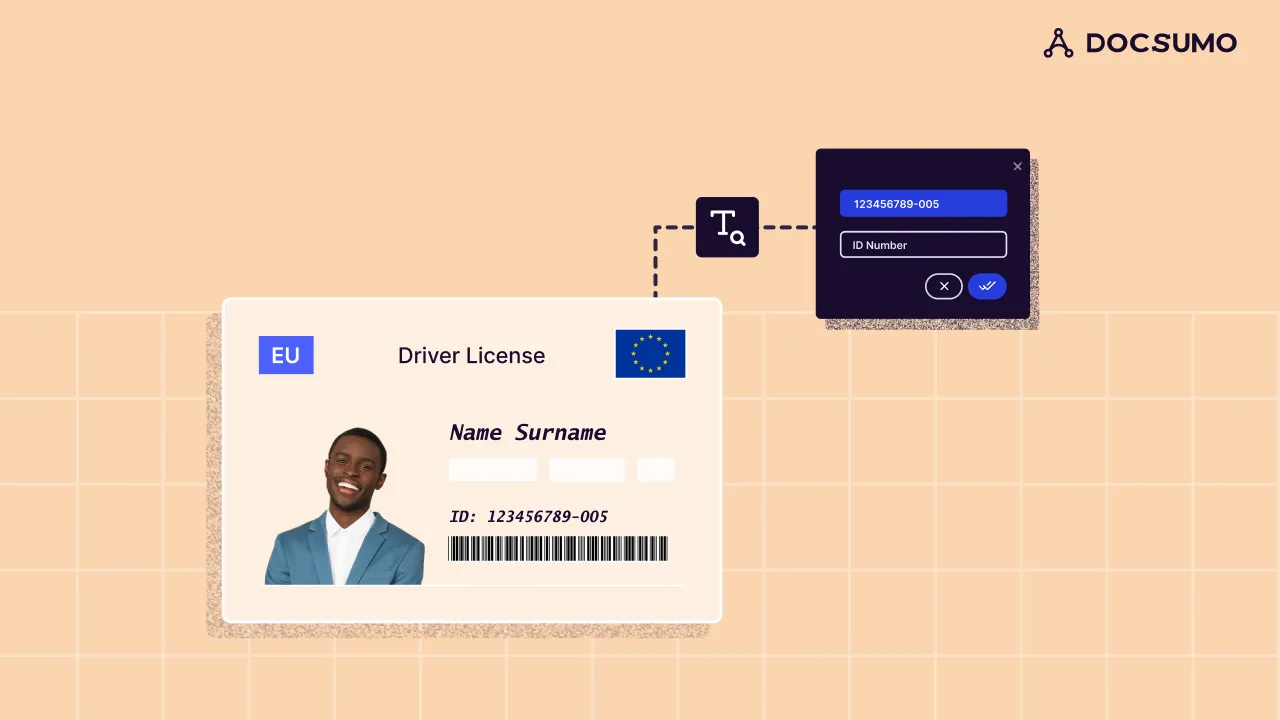
Driver's license OCR (Optical Character Recognition) is a tool crafted to capture and convert information from driver's licenses into digital form. It changes the text on a license into a format readable by machines.
When a driver's license is scanned or photographed, OCR technology examines the image. It recognizes and extracts text such as the holder's name, address, and license number, which are crucial for processing.
This technique transforms the static image of the driver's license into data that can be effortlessly searched, stored, and managed digitally. Driver's license OCR is essential for automating and enhancing tasks such as identity checks, data input, and record management, making these operations more efficient and reducing the likelihood of human mistakes.
How does OCR help in driver's license data extraction?#
OCR technology is vital in automating data extraction from driver's licenses. By scanning and transforming license text into digital formats, OCR reduces the need for manual data entry, which tends to be slow and prone to errors. This automation accelerates the process and boosts accuracy by reducing human mistakes that often arise during manual data input.
The contrast between manual and automated data extraction is considerable. Manually, an individual must input each detail from a driver's license - a tedious process susceptible to errors like typographical mistakes or incorrect information.
With OCR Driver License, the information on a driver's license is automatically scanned and converted into a digital format swiftly, with much greater precision and less effort. This efficiency not only quickens processes but also enhances the reliability of the data collected.
Benefits of using driver's license OCR#
Integrating OCR technology into driver's license verification procedures offers several significant advantages. Here are the key benefits of ocr driver's license:
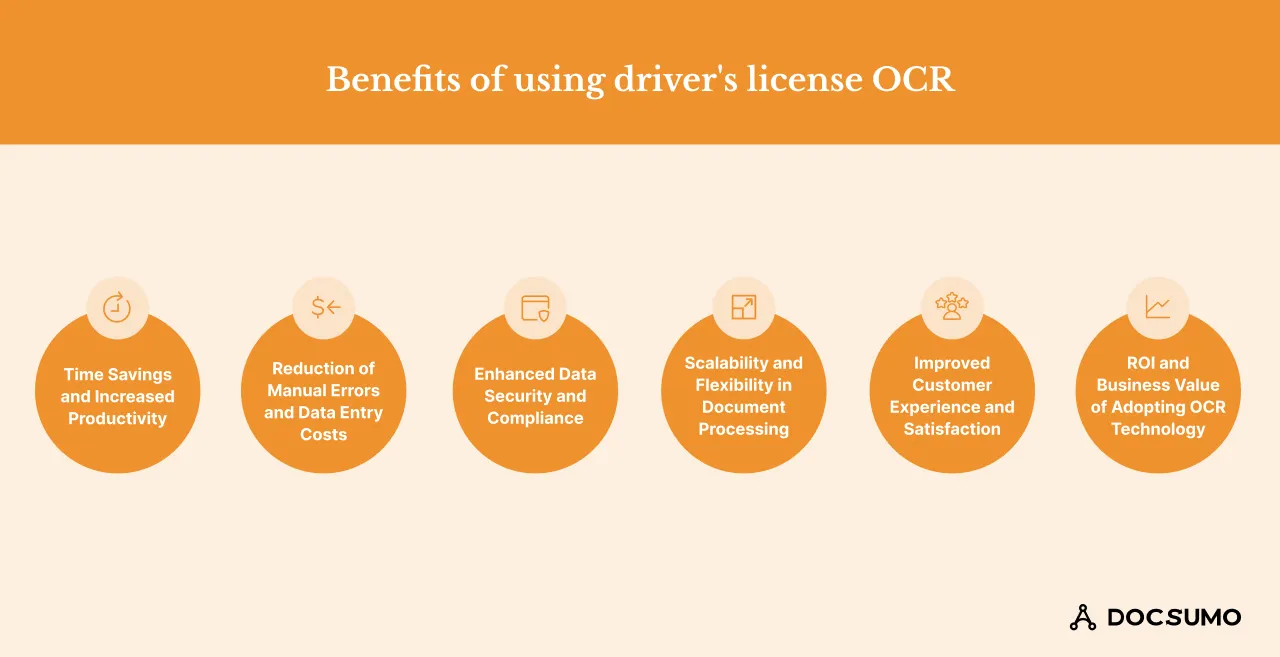
1. Time savings and increased productivity
OCR technology automates the extraction of information from driver's licenses. This greatly accelerates the verification process. It also reduces the need for manual input and allows employees to focus on more important tasks. This increases productivity, especially in high-volume settings like airports or rental services.
2. Reduction of manual errors and data entry costs
Manual data entry often has errors and can be expensive. OCR improves the accuracy of data taken from driver's licenses, making mistakes less likely. For example, in car rentals, OCR helps get customer data right on the first try. This avoids the hassle and cost of fixing errors later.
3. Enhanced data security and compliance
This technology meets strict data security and privacy standards. It automates the handling of sensitive information, like driver's license numbers. This ensures data is processed securely. For example, a rental company can use OCR to follow privacy laws. It does this by automatically encrypting personal information during processing.
4. Scalability and flexibility in document processing
OCR solutions can easily adjust to handle increased workloads without additional staffing. During peak times, like the holiday seasons at rental agencies, OCR can process a high volume of driver's licenses without delay. This demonstrates its scalability and flexibility.
5. Improved customer experience and satisfaction
Quick and accurate processing improves customer service. In the context of airport car rentals, customers who experience fast and efficient service due to OCR technology are likely to be more satisfied and may choose the same company for future rentals.
Challenges and limitations of using driver's license OCR#
Using this advanced technology to extract driver's license data presents several challenges and limitations. Here ae some potential issues, along with strategies to address them:
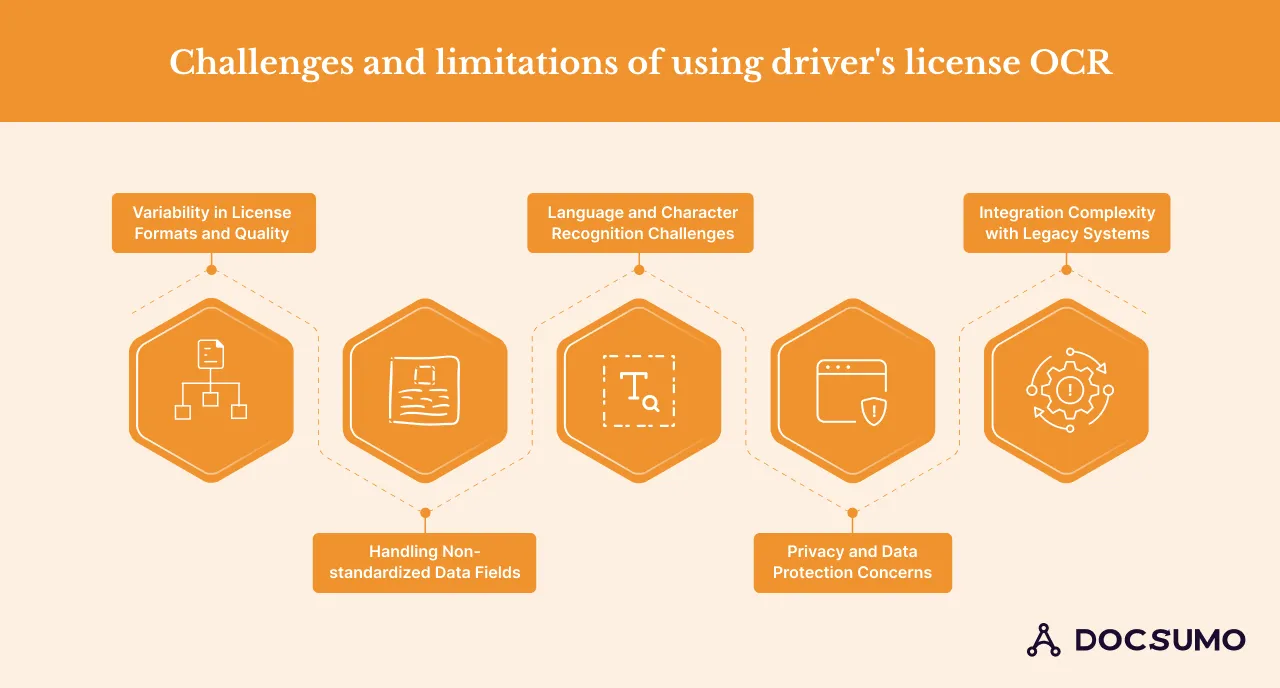
1. Variability in license formats and quality
Different regions use different designs and materials for driver's licenses, which can make it difficult for OCR technology to read them accurately. Solution: Use OCR driver's license technology that can adapt to various formats and improve how it processes images of poor quality or damaged licenses.
2. Handling non-standardized data fields
Driver's licenses don't always have the same fields, depending on where they are from. This makes standard data extraction difficult. Solution: Develop OCR systems tailored to recognize and extract various data fields. Machine learning models that adjust to different data structures can also help.
3. Language and character recognition challenges
OCR may face difficulties with licenses that use different languages or scripts, especially in diverse regions. Solution: Implement OCR driver's license systems that support multiple languages and character sets to ensure accuracy across different scripts.
4. Privacy and data protection concerns
Using OCR to extract data from driver's licenses involves handling sensitive personal information, which raises concerns about privacy and security. Solution: Ensure OCR processes follow strict data protection laws. Secure personal data with encryption and anonymization.
5. Integration complexity with legacy systems
Integrating modern OCR solutions with older systems can be complex and may disrupt existing operations. Solution: Use middleware or APIs to bridge new OCR technology with old systems. Plan the integration in phases to minimize disruptions.
Fields that can be extracted from driver's license using OCR API#
This modern technology can extract various data types from driver's licenses. Here are the key fields that OCR can typically capture:
Personal information: The driver's full name, address, date of birth, and other identifiable details printed on the license can be extracted.
License number and class: OCR can accurately capture the license number, a unique identifier for each driver. It can also identify the class of the license, which indicates the types of vehicles the holder is authorized to drive.
Expiration date and renewal status: The technology can detect and extract the expiration date of the driver's license. This provides important information about the license's validity and its renewal status.
Vehicle restrictions and endorsements: It can identify any special endorsements or restrictions on the license. For example, it can tell if the driver must wear glasses or is allowed to drive commercial vehicles.
Barcode and QR code data: Many modern driver’s licenses include a barcode or QR code that contains encoded information. OCR technology can decode these elements to access additional data embedded in them.
Additional features and security elements on driver's licenses: OCR can also recognize and extract information from other security features on the license. These include holograms, magnetic stripes, or microprinting. These features enhance the security and authenticity of the license.
How to extract data from driver's license using OCR#
Below, we have mentioned the essential steps that businesses must follow in order to extract the data from driver’s licenses:
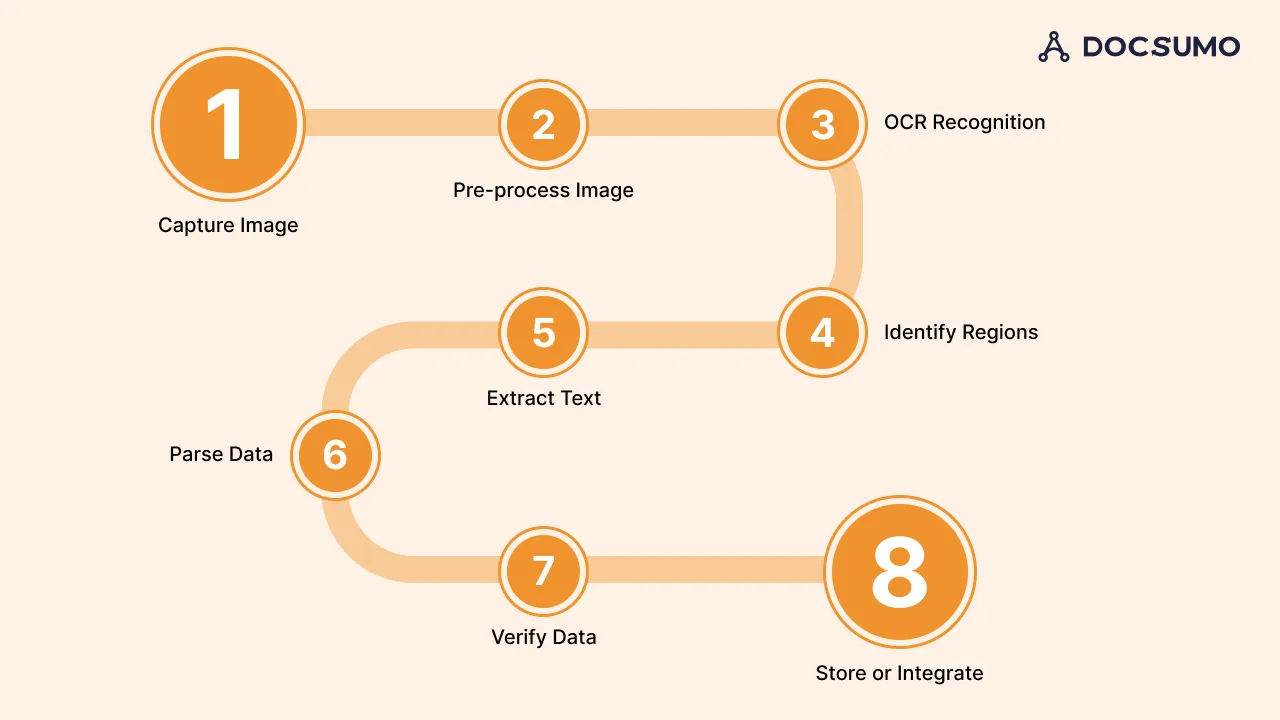
1. Capture image
A clear picture of the driver's license needs to be taken using either a camera or a scanner. Make sure there is enough good lighting to eliminate any shadows or glare on the license.
2. Pre-process image
Once you have the image, enhancing its quality is important to improve OCR accuracy. This step can involve several techniques:
- Noise reduction: Eliminate any visual clutter from the image to avoid incorrect text interpretation by the OCR.
- Contrast adjustment: Modify the contrast to enhance the clarity of the text against the background.
- Deskewing: If the image is tilted, straighten it so that all text lines are horizontal. These enhancements help make the OCR process's license text as clear as possible.
3. OCR recognition
Deploy an OCR engine to analyze the processed image and recognize text. Several OCR tools are available, like Doscsumo, ABBYY FineReader, and others, that can be configured to recognize and interpret characters and symbols from the image. Choosing an OCR engine that can handle the specific font and style used on driver's licenses is crucial.
4, Identify regions
The OCR system needs to identify regions on the license where relevant information is printed. This involves defining the areas where personal data, license numbers, and other important details are likely to be found. This step can be automated by programming the OCR system to recognize standard license layouts or manually tagging these regions in an initial setup phase.
5. Extract text
Using OCR, extract text from the previously identified regions. The OCR engine will scan these areas and convert the visual characters into digital text. Accuracy at this stage is critical, as any errors in character recognition can lead to incorrect data capture.
6. Parse data
After extracting the text, the next step is to parse this data into structured formats. This means taking the raw text data and identifying what each piece represents (e.g., distinguishing between name, address, expiration date, etc.). This may require custom scripts or software that knows how to separate and label the data based on the layout and format of the driver's license.
7. Verify data
Verify the accuracy of the extracted data. This can be done manually by cross-checking with the original image or automatically by using software algorithms that validate certain data points (like checking the date format or confirming the validity of license numbers). This step is crucial to ensure the data being processed is accurate and reliable.
8. Store or integrate
Finally, depending on your needs, store the extracted data in a database or integrate it into your existing system. Ensure the storage or integration method complies with all relevant data protection laws and regulations to safeguard personal information.
How Docsumo’s driver's license OCR API helps enhance the process#
Docsumo is well-regarded for its ability to assist businesses in automating their document processing effectively. It provides a platform that leverages AI and machine learning to extract, review, and analyze unstructured data and transform it into an organized format.
This is particularly beneficial for handling complex documents like driver's licenses, which can vary in layout and quality.
Key features and capabilities of Docsumo's driver license OCR API
Docsumo's OCR API is designed to process a document and extract all data fields from it in minutes. It can also send extracted data to any other software with APIs and webhooks. Users can also apply smart filters for dates, numbers, and other regular expressions to extract data in the desired format.
Integration options with existing systems and platforms
Docsumo offers flexible integration options, making incorporating its OCR capabilities into existing systems easy. The API and webhook integration facilitate seamless data transfer. This ultimately enhances workflow efficiency across various platforms.
Performance and accuracy metrics of Docsumo's OCR solution
Docsumo's OCR technology is fast, taking under 5 minutes per document, and delivers 99% field-level accuracy. This ensures reliable data capture, which is essential for critical verification processes.
Distinctive benefits of using Docsumo
Docsumo's OCR solution saves $15 per processed document. It efficiently processes large volumes of statements or documents.
Its user-friendly features also contribute to its appeal. These include batch uploads, the ability to download data in multiple formats, and advanced image processing. These features make it an excellent choice for businesses aiming to boost efficiency and reduce turnaround times.
If you’re ready to streamline your data extraction processes, book a demo with Docsumo.
Conclusion#
Driver's license OCR effectively streamlines the data-gathering process by automating the capture of comprehensive details quickly and accurately. This automation hastens activities that would otherwise involve manual data entry and decreases errors related to human input. Implementing OCR technology, particularly through tools like Docsumo's API, greatly improves operational productivity and the accuracy of data.
First published . Last updated .