Invoice approval software: how approval routing works, and how to choose a tool
For AP teams that receive supplier invoices and get them approved. Follow one invoice through an approval route, then see which kind of tool fits your team.

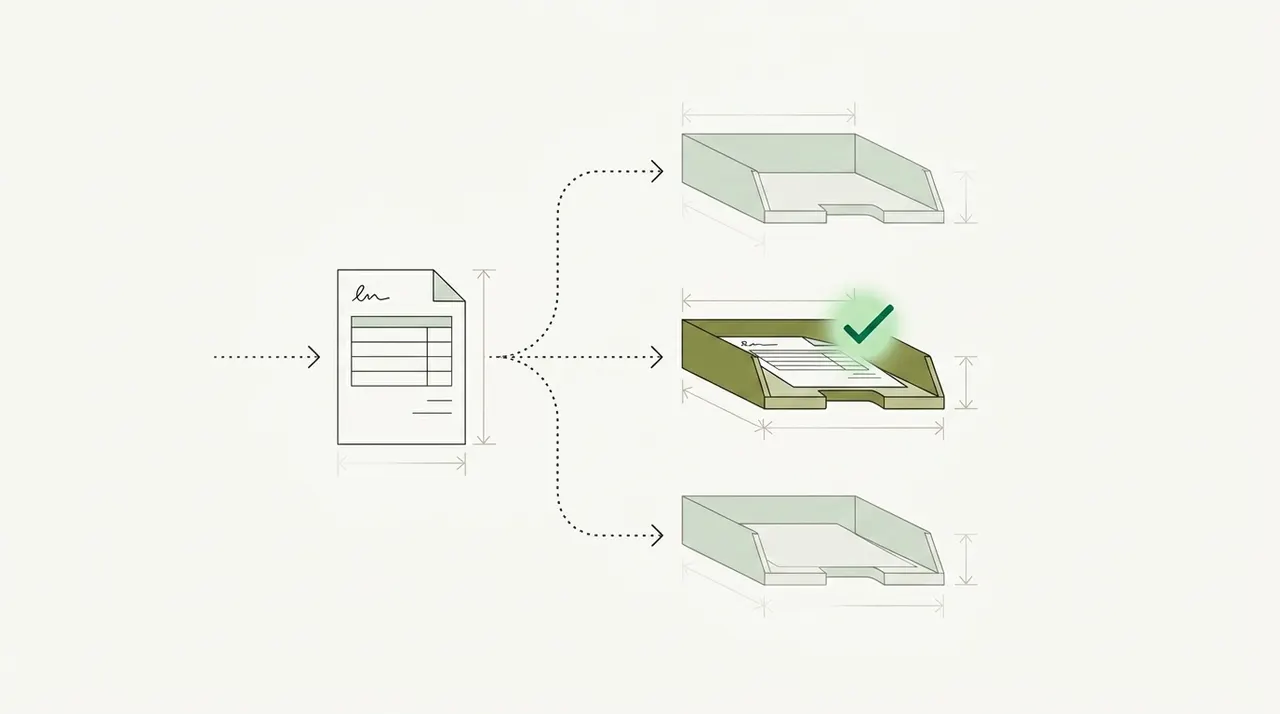
Key takeaways
- Invoice approval software sends each supplier invoice to the person who must approve it, by your rules, and records the decision.
- Each routing rule uses fields from the invoice, such as the PO number and the total. If the software reads one of these fields wrong, it can send the invoice to the wrong person.
- On average, 18.4% of invoices are exceptions, according to a sponsored analyst report from Ardent Partners. An exception is an invoice that a person must fix or explain. Ardent says exceptions are usually the biggest single reason that invoice costs and processing times aren't lower.
- Some tools approve and pay. AP suites such as AvidXchange, BILL and Tipalti pay vendors. Docsumo routes invoices for approval and doesn't pay vendors.
- Before you look at tools, write down who may approve which invoices, and up to what amount. This is your approval matrix. Then ask each software vendor to set up those rules exactly and test them on your own invoices.
On this page
- What invoice approval software does
- One invoice through the approval workflow
- Common approval routing rules
- Why invoice approvals stall
- Checks to run before an invoice reaches an approver
- How Docsumo routes invoices for approval
- Approval software, AP suite or document platform?
- If your approvers keep sending invoices back
- Frequently asked questions
Invoice approval software sends each supplier invoice to the person who has to approve it, based on rules your team sets. It records who approved each invoice and when. The approved invoice then goes to your ERP or payment tool. AP teams use it so invoices stop waiting in email inboxes.
Each routing rule uses fields from the invoice, such as the PO number and the total. If the software reads one of these fields wrong, it can send the invoice to the wrong person. This post follows one invoice first, then covers the rules and the tools.
What invoice approval software does#
Without software, the invoice approval process runs by email. An AP clerk sends each invoice to the manager who ordered the goods. Then the clerk waits for a reply, follows up and writes down the answer. If the manager is away, the invoice waits too.
Invoice approval software does this job by rules. It works out who must approve each invoice and sends the invoice to that person. The approver sees the invoice and the results of the software's checks in one place. They approve it, reject it or send it back with a question. The software records each step and passes approved invoices on for payment.
- AP email inbox
- Supplier PDFs
- Scanned paper
- 01Read the invoice
- 02Check it against the PO
- 03Route it by your rules
- 04Approve or send back
Some tools only do the routing, so someone has to type or import the invoice data first. Other tools read the invoice as well, and some also pay the vendor. That difference decides which kind of tool fits your team.
One invoice through the approval workflow#
Take invoice NKE-9921 from Northeast Kitchen Equipment. It bills Harbor Street Bakery LLC $24,650.00 for bakery equipment, due on September 11, 2026. The PO number, 5498, is handwritten. The line items run onto a second page.
| Field | Extracted value | Read |
|---|---|---|
| Vendor name | Northeast Kitchen Equipment | |
| Invoice number | NKE-9921 | |
| Invoice date | 2026-08-12 | |
| Due date | 2026-09-11 | |
| Payment terms | Net 30 | |
| PO number | 5498 (handwritten) |
| Field | Extracted value | Read |
|---|---|---|
| Vendor address | 37 Bridge St, Westbrook, ME | |
| Bill to | Harbor Street Bakery LLC | |
| Ship to | 22 Thames St, Portland, ME | |
| Remit to | PO Box 3170, Portland, ME |
| Field | Extracted value | Read |
|---|---|---|
| Item code | WT-3072 | |
| Description | Stainless work table, 30 x 72 in | |
| Quantity | 2 | |
| Unit of measure | EA | |
| Unit price | 385.00 | |
| Amount | 770.00 |
| Field | Extracted value | Read |
|---|---|---|
| Subtotal | 23,250.00 | |
| Sales tax rate | 5.5% | |
| Sales tax | 1,278.75 | |
| Freight | 121.25 | |
| Total due | 24,650.00 |
Before any rule runs, the software has to read four things correctly. The vendor name links the invoice to a supplier in your records. The PO number shows whether a purchase order covers the invoice. The total decides the approval level, if your policy sets limits by amount. The lines show whether the invoice matches the purchase order and the goods receipt, which records what arrived.
Suppose your approval policy has two rules. The software sends each invoice with a PO to the person who created that PO. It also sends any invoice over $10,000 to the controller. If the software reads NKE-9921 correctly, it sends the invoice to the bakery employee who created PO 5498. The total is $24,650.00, so the software also sends the invoice to the controller.
Now suppose the software reads the handwritten 5498 as 5496, or can't read it at all. The invoice no longer matches its purchase order. The software may then treat it as an invoice without a PO and send it to a manager who never ordered the equipment. That manager sends it back. The invoice then waits while AP finds out what went wrong.
The software must read and check each invoice before it routes it. Routing rules can't fix a PO number that the software read wrong. Sometimes the software isn't sure it read a field correctly. A person should check that field before the invoice reaches an approver, not after the approver rejects it.
Common approval routing rules#
Many finance teams write their approval rules in an approval matrix, also called a delegation of authority. It lists who may approve which invoices, and up to what amount. The table shows common patterns. AP software vendors describe rules like these on their own sites.
| Rule | When it applies | Typical approver |
|---|---|---|
| Matched PO invoice | The lines agree with the PO and the goods receipt | The person who created the PO. Some policies let the software approve matched invoices automatically |
| PO invoice with a difference | The price or quantity differs from the PO by more than you allow | The person who placed the order, or the person who received the goods |
| Invoice without a PO | Services, utilities and one-off purchases | The budget owner for the department |
| Amount over a limit | The total is above a limit in your matrix | A second approver, such as the controller or CFO |
| Named vendor or account | A vendor or expense account your policy lists, such as legal fees | The approver your policy names |
These rules need two more things to work. Each approver needs a backup person for when they're away. Each approver also needs a time limit. If the approver doesn't act in time, the invoice goes to the backup.
Our take. Write your approval matrix down before you look at software. Then ask each software vendor to set up your matrix exactly as written and test it on a few of your own invoices. If a tool can't follow the approval steps in your matrix, your team has to change its policy to match the software. Who approves what is a finance decision, and the software should follow it.
Why invoice approvals stall#
Ardent Partners' State of ePayables 2025, a sponsored analyst report, says the average invoice takes 8.2 days and costs $9.84 to process. On average, 18.4% of invoices are exceptions. An exception is an invoice with a problem that a person must fix or explain before it can be approved and paid. Ardent says exceptions are usually the biggest single reason that invoice costs and processing times aren't lower.
Here are some common exceptions. The price on the invoice may differ from the PO, or the goods may not have arrived yet. The PO number may be missing, or the vendor may not be in your records. Each case needs a person to find out what happened.
Go back to the bakery equipment. The employee who created PO 5498 can confirm that the equipment arrived. That employee can't fix a price difference with the vendor or find a missing PO. AP or purchasing does that work. When an exception reaches an approver with no reason attached, the approver can only send it back.
Ardent's top AP teams are the 20% with the lowest costs and fastest processing. Compared with all other AP teams, their exception rates are 47% lower, and they process invoices 79% faster. Before you speed up the approval step, cut the number of problem invoices that reach it.
Checks to run before an invoice reaches an approver#
Run these checks before routing. Send each invoice that fails a check to the person who can fix it, with the reason attached. 2-way vs 3-way matching explains the matching step, and duplicate invoice detection explains how to catch invoices that arrive twice.
- Match it to the PO and goods receiptA PO invoice should agree with what was ordered and what arrived. If the difference is within the limit you allow, the invoice can pass. If the difference is larger, the invoice goes to the person who placed the order.
- Look for a duplicateThe same invoice can arrive twice, once by email and once on paper. Hold the second copy before it reaches an approver.
- Match the vendor to your recordsThe vendor on the invoice should match a supplier in your vendor list. Then the invoice is recorded against the right supplier account.
- Check the totalsThe lines should add up to the subtotal. On NKE-9921, the $23,250.00 subtotal plus $1,278.75 tax and $121.25 freight comes to $24,650.00.
- Confirm the fields the software isn't sure ofA handwritten PO number or a faint scan should go to a person before routing. Otherwise the approver finds the error.
Some checks need data from outside the invoice, such as your purchase orders and vendor list. Ask each software vendor where its tool gets that data and how often the data is updated.
How Docsumo routes invoices for approval#
Docsumo reads each invoice before it routes it. Invoices can come in by email to a Docsumo inbox, by upload or through the API. It reads handwritten as well as printed text. Line items that run onto a second page are joined into one table. You can also add a workflow step that suggests GL codes.
You set how sure Docsumo must be about the value in each field. This setting is called the confidence threshold. If Docsumo is less sure than that, it sends the field to a person to check. On NKE-9921, that could be the handwritten PO number. When the person clicks the field, Docsumo highlights the line on the invoice it came from.
Docsumo flags an invoice when the same invoice was already received. On the Enterprise plan, it matches invoice lines to the purchase order, which is 2-way matching. It matches them to the goods receipt as well, which is 3-way matching. The Enterprise plan also adds master data lookup, which checks fields against your own records.
Then Docsumo routes each invoice for approval by the rules you set. A rule can use any field, such as the amount, vendor, cost center or approver. Approvers get email notifications. If an invoice isn't approved within the time you set, Docsumo escalates it. The audit log records each approval decision. All of this is on the Business plan.
Docsumo doesn't pay vendors. It sends the invoice data to your ERP or payment tool through its API and webhooks, which connect Docsumo to your other software. You keep paying vendors the way you do today. The invoice processing software page shows each step, and invoice data extraction lists the fields Docsumo reads.
Valtatech, a source-to-pay provider in Melbourne, uses Docsumo to read its clients' supplier invoices. A touchless invoice is one that no person had to handle.
- 99%+of invoices processed touchless at Valtatech
- 65%+lower data processing costs at Valtatech
Approval software, AP suite or document platform?#
Tools sold as invoice approval or invoice workflow software belong to three groups. Approval tools route invoices to approvers, and some need the invoice data typed or imported first. AP suites, such as AvidXchange, BILL and Tipalti, also pay vendors. Document platforms such as Docsumo read and check each invoice, then route it for approval. Your choice depends on the systems you use today, such as your ERP, and which of them you want to keep.
What do you need the software to do?
To compare AP suites in detail, see the AP automation software comparison, which covers 13 tools.
If your approvers keep sending invoices back#
Take the last 20 invoices they returned and note why each came back. If most came back for a missing PO or a price difference, change the checks, not the approval rules. Check invoices before you route them, and send approvers only the ones that pass. Then your current approval rules may work fast enough.
Book a demo with a few invoices your approvers sent back, or start a free trial.
Frequently asked questions#
What is invoice approval software?
Invoice approval software sends each supplier invoice to the right approver by your rules, and records each decision. Many tools also read the invoice and match it to the PO first. AP suites go further and pay the vendor too.
How do you approve an invoice?
First check that the invoice matches what was ordered and received, and that it isn't a duplicate. Then the person with authority for that amount approves it. The approval is recorded before the invoice is paid.
How do you automate invoice approvals?
Write your approval rules down first. Then set them up in software that reads each invoice and routes it by those rules. Send invoices that fail a check to the person who can fix them. On the Business plan, Docsumo routes invoices for approval by the rules you set. Approvers get email notifications, and Docsumo escalates an invoice that isn't approved within the time you set. See accounts payable automation.
Can invoice approval software pay vendors?
Some can. AP suites such as AvidXchange, BILL and Tipalti also pay vendors. Docsumo routes invoices for approval but doesn't pay vendors. You keep paying vendors from your ERP, AP tool or bank.
How do you verify an invoice before approval?
Match it to its purchase order and goods receipt, and check that the lines add up to the total. Then confirm that the vendor is in your records and that the invoice isn't a duplicate. 2-way vs 3-way matching explains the matching step.
Sources
- Ardent Partners: State of ePayables (Part Nine), AP Benchmarks and Best-in-Class Performance (sponsored analyst report, Jan 22, 2026)
- Rillion: Invoice approval software
- ApprovalMax: Invoice approval software
- Yooz: Invoice workflow software guide (June 2026)
- AvidXchange: AvidInvoice
- BILL: Accounts payable
- Tipalti: Accounts payable software
First published .