Prior authorization intake automation: getting faxed requests to the right reviewer
For intake teams at health plans, TPAs, PBMs and review vendors that receive prior authorization requests. See how a faxed request becomes a complete case in the right queue, and what stays with your nurses and medical directors.

Key takeaways
- Prior authorization intake is the work between a request arriving and a clinical reviewer opening it. Someone splits the fax, keys the fields, checks that nothing is missing and puts the case in a queue.
- Most requests still need that work. Only 40% of prior authorizations at medical plans were fully electronic in 2024, CAQH found. The rest came through portals and automated phone lines, or by phone, fax, mail or email.
- Medicare Advantage, Medicaid and CHIP payers must now decide urgent requests within 72 hours and standard ones within 7 calendar days of receiving them. Intake time counts against both limits.
- From 2027, payers under the CMS rule (CMS-0057-F) must show patients a request's status through an API. They must do it within 1 business day of receiving the request. That applies to faxed requests too.
- Intake automation stops before the decision. Docsumo reads and checks each request and sends it to a queue. It makes no medical necessity, clinical or approval decisions.
On this page
- Who receives prior authorization requests
- How requests reach a health plan
- The clock starts when the request arrives
- One faxed request, from cover sheet to queue
- Checks to run before a reviewer opens a request
- What stays with your nurses and medical directors
- Where Docsumo fits in prior authorization intake
- Start with one fax line and last week's requests
- Frequently asked questions
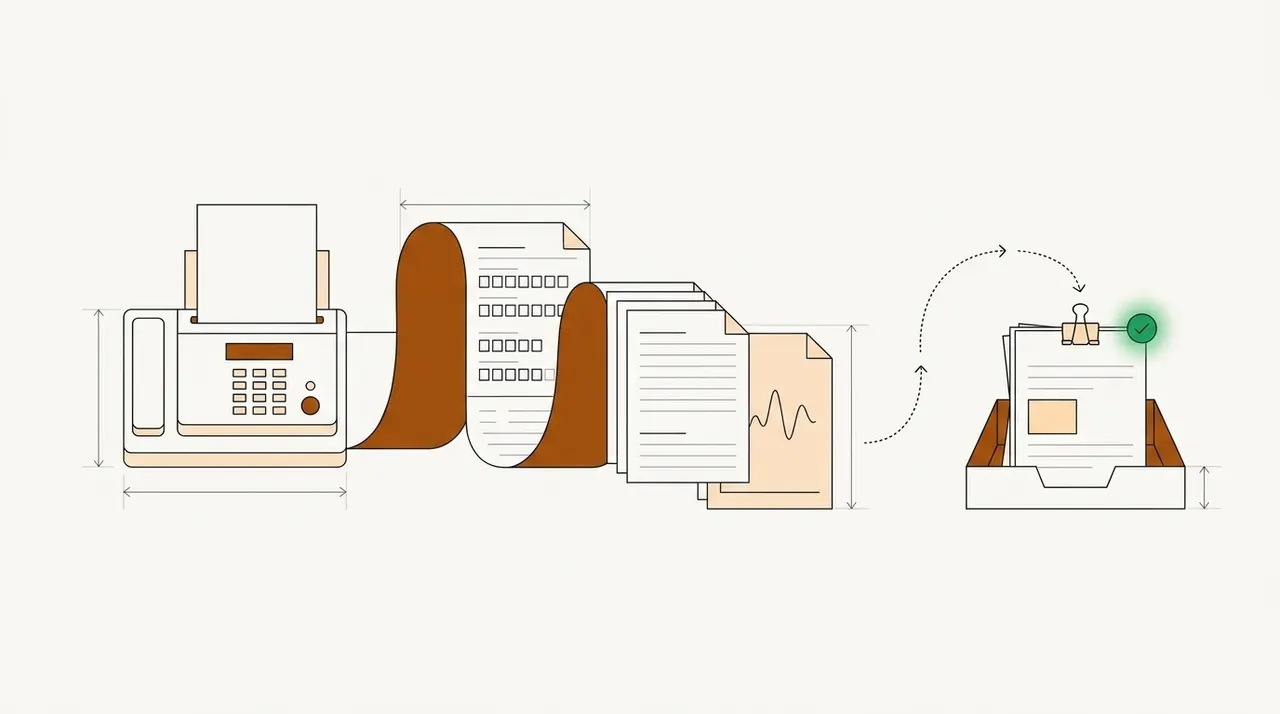
Prior authorization intake automation is software that gets each new request ready for a nurse or doctor to review. It splits each fax or PDF into the request form and its clinical notes. It reads the member, provider, codes and dates, and checks that nothing required is missing. Complete requests go to the right review queue. Requests with something missing go to a person, with the missing item marked.
Most writing on prior authorization automation is for the provider staff who send requests. This post is for the teams who receive them, at health plans, TPAs, PBMs and review vendors. We follow one faxed request from the fax line to a reviewer's queue.
Who receives prior authorization requests
A prior authorization request goes from a provider to whoever manages the member's benefits. For most medical services, that's the health plan's review team. Some plans pass certain services to an outside review vendor. TPAs often do the same work for employers that pay their own health claims, and pharmacy requests usually go to the plan's PBM.
In each of these places, an intake coordinator sees the request first. The coordinator doesn't decide anything clinical. Their job is to get the request ready for the nurse or doctor who will. That means the right member and the right service, every required field and attachment, and a due date.
The same kind of work happens at a provider's office when the answer comes back. An approval letter carries an authorization number, the approved services and the dates they cover. Billing needs those values before a claim goes out. A denial letter carries the reason, and the CMS rule now requires that reason to be specific. Our guide to medical billing automation covers that side.
How requests reach a health plan
Each year, the CAQH Index measures how health plans receive each type of transaction. In 2024, 40% of prior authorizations at medical plans were fully electronic, sent in the X12 278 standard format. That's up from 35% a year earlier. The rest came through web portals and automated phone lines, or through manual channels.
The 2024 CAQH Index gives the split for 2023. Portals and automated phone lines carried 43% of requests that year. Another 22% were fully manual, which CAQH defines as phone, mail, fax and email.
Clinical notes add more paper. CAQH counts them as attachments, the records sent with a claim, an appeal or a prior authorization request. Only 24% of attachments were fully electronic in 2024.
The volume is large. Medicare Advantage insurers alone made 52.8 million prior authorization decisions in 2024, KFF found. That's about 1.7 requests per enrollee.
Faxes won't stop when the new electronic APIs arrive. In the 2025 CAQH Index, 63% of medical plans were still building their electronic prior authorization APIs. Only 20% of providers had begun putting those APIs in place. In the final rule, CMS noted that payers already carry the work of getting data from faxed and other non-electronic requests into their systems.
The clock starts when the request arrives
CMS issued its prior authorization rule, CMS-0057-F, in January 2024. CMS calls it the Interoperability and Prior Authorization Final Rule. It covers Medicare Advantage plans. It also covers Medicaid and CHIP programs and their managed care plans. Plans sold on the federally run exchanges are covered too, except for the decision limits. The rule doesn't apply to drugs.
| From | What the rule requires | What it means for intake |
|---|---|---|
| January 1, 2026 | Decisions within 72 hours for urgent requests and 7 calendar days for standard ones (not for exchange plans) | Time spent sorting and keying a fax comes out of the same 72 hours |
| January 1, 2026 | A specific reason for every denial, no matter how the request arrived | To give that reason, the reviewer needs a case file showing exactly what the provider sent |
| March 31, 2026, then every year | Public metrics, including the average and median time from a request to a decision | Intake time shows up in a number anyone can read |
| January 1, 2027 | A Prior Authorization API that takes requests and returns decisions | Providers who connect to your API send requests as data. Others can keep faxing, so intake still handles faxes |
| January 1, 2027 | A request's status available to the patient through an API within 1 business day of receipt, no matter how it was sent | A faxed request has to be in your system as data by the next business day |
Dates are the rule's general compliance dates. Exact dates vary by payer type. Sources: the CMS fact sheet and the Federal Register.
Both limits count from when the plan receives the request. For example, a Medicare Advantage plan must give its decision no later than 7 calendar days after it receives a standard request. A fax that waits overnight to be keyed has already used part of that time. An urgent request that arrives late on Friday and waits for Monday has used most of its 72 hours.
One faxed request, from cover sheet to queue
Take a fax that reaches a health plan's prior authorization line at 4:40 pm on Thursday, October 29, 2026. The fax server saves it as a 9-page PDF in the intake inbox. A sleep medicine practice is asking for a CPAP machine for a member with obstructive sleep apnea.
- Faxed requests
- Portal uploads
- Emailed PDFs
- 01Split the fax into documents
- 02Read every field
- 03Check against your rules
- 04Send to a review queue
The software first finds where each document starts and labels it. Then it reads each one and runs the checks you set.
| Pages | Document | What's read | What the checks found |
|---|---|---|---|
| 1 | Fax cover sheet | Practice name, fax number and callback number | Labeled as a cover sheet. The callback number stays with the case. |
| 2–3 | Request form | Member name, member ID and date of birth. Requesting provider and NPI. Supplier name and NPI. HCPCS E0601 (CPAP device), quantity 1. ICD-10 G47.33 (obstructive sleep apnea). Request type, standard. | The member is active on your member list. E0601 is on your list of services that need approval. The supplier's NPI box is blank. |
| 4–7 | Sleep study report | Patient name, date of birth, study date and reading physician | Same patient as the form. The form lists a sleep study as attached, and it's here. |
| 8–9 | Office visit note | Patient, visit date, provider and the diagnosis in the assessment | Same patient and provider as the form. The diagnosis code matches the form. |
Only one field needs a person. The supplier's NPI box is empty. The NPI is the 10-digit number that covered providers must use in HIPAA transactions. Your rules mark it as required, so the request can't move on without it. The case goes to the coordinators' queue for missing information, with the empty box marked.
The request type is standard. A calculation step adds 7 calendar days to the date received, so the case shows a due date of November 5. When the coordinator adds the NPI, the case moves to the review queue for medical equipment, with its due date attached. Nobody retyped the member ID or the codes.
Checks to run before a reviewer opens a request
These checks make a request complete. None of them judges whether the service is needed.
- The member is on your listThe member ID, name and date of birth match an active member on the requested date.
- The service needs approvalThe code is on your list of services that need prior authorization. If it isn't, the request can go back to the provider with a note instead of to a nurse.
- Every required field is filledBoth NPIs, the codes, the dates and the request type are there. Each NPI has 10 digits.
- The attachments are all thereEvery document the form lists as attached is in the fax, and each one names the same patient.
- The urgent box is easy to readAn urgent request starts the 72-hour limit. If you can't tell whether the box is ticked, a person checks it before the case goes to a queue.
- The request isn't a duplicateNo open request has the same member, service and dates. A provider who faxes twice shouldn't start two reviews.
In Docsumo, you set up checks like these as validation rules and steps in the workflow. To check a member or an open request against your own lists, you use master data lookup. To check the form against its attachments, you use cross-document validation. Both are on the Enterprise plan.
Our take. Every plan's intake is a little different. Your forms ask for different fields, and your queues are set up around your own nurses and review vendors. Build the intake workflow from your own forms and queues, not from a vendor's standard template. When coordinators have to work around a tool, they go back to keying faxes by hand.
What stays with your nurses and medical directors
Intake automation should end where clinical judgment starts. Whether a CPAP machine is medically necessary for this member is a question for a nurse or a medical director, using your plan's criteria. So is every denial, and the specific reason the CMS rule now requires.
Docsumo makes no medical necessity, clinical or approval decisions. It doesn't apply clinical criteria, and it doesn't approve or deny anything. It reads the request, checks it against the rules you set and puts it in the queue you chose. Docsumo supplies the software, not a review team, so your own staff make every decision.
Keeping intake and review apart also keeps the audit trail clear. Intake answers whether the request is complete and where it should go. Review answers whether the plan will cover the service. A provider may ask why a case took four days. Then you want to know how much of that time went to intake and how much to review.
Where Docsumo fits in prior authorization intake
Docsumo is an intelligent document processing (IDP) platform. It reads prior authorization and referral forms, medical records and other healthcare documents, including handwritten text. Faxes reach it as PDFs or images, by email, upload or the API. One upload can hold up to 500 pages.
It sorts each fax into its documents. You name the document types you want, such as request form, sleep study or visit note. You don't need a training set of sample documents. AI Split takes a plain-English definition of each document type. Documents it can't classify wait as Unclassified for a person to assign. Document classification and splitting are on the Business plan, and Docsumo classifies documents with 99% accuracy. Our list of healthcare document classification software compares it with 13 other tools.
Docsumo gives each value it reads a confidence score, which shows how sure it is of the reading. You set a threshold for each field, and a person checks any value that scores below it. When a reviewer clicks a field, the line it came from is highlighted on the page. Each correction improves the model.
Clinical notes sometimes arrive after the request. When a document arrives later by email, Case Routing adds it to the open case. It finds the case by an identifier, such as the request's reference number. Case Routing is part of case management on the Enterprise plan, and it's available on request. Automated workflows are on the Enterprise plan too. A workflow can branch on the values it read and assign the case to a reviewer. Checked data goes to your review system through the API and webhooks.
Docsumo is HIPAA compliant and signs a BAA with customers who process protected health information. It can sign a BAA for a trial account too, so you can test with real requests. Your documents aren't used to train shared or third-party models. The security page has the details.
- 99%classification accuracy
- 99%field-level accuracy on 250+ document types
- 95%+of documents AI Approved, meaning read and checked with no manual review. This label is a document status, not a coverage decision.
Start with one fax line and last week's requests
Pull last week's requests from one fax line. Count how many a coordinator keyed by hand, and how many went back for a missing field. Note which fields were missing most often, and start your rules with those. Then run a sample of that week's faxes through a free trial, with your own checks. Compare what the software flagged with what your coordinators caught.
Book a demo with a few of your own requests, or start a free trial. Ask for the BAA before you send protected health information.
Frequently asked questions
What is prior authorization automation?
Prior authorization automation is software for the steps of getting a service approved before care. Providers use it to check whether a service needs approval and to send the request. Health plans and review vendors use it to read incoming requests, check them and get them to a reviewer sooner. The decision itself stays with the plan's clinical staff.
Can AI do prior authorizations?
AI can do much of the intake work. It can sort a fax into its documents, read the codes and dates, and flag a missing field before a reviewer opens the case. Whether a service is medically necessary is a decision for the plan's nurses and doctors. Docsumo doesn't make that decision.
How long do prior authorizations take to get approved?
A CMS rule, CMS-0057-F, sets limits for Medicare Advantage, Medicaid and CHIP payers. Under the rule, these payers must decide urgent requests within 72 hours. Standard requests must be decided within 7 calendar days. These limits apply from January 1, 2026. They don't cover drugs or plans sold on the federally run exchanges.
What are the CMS prior authorization requirements for 2026?
From January 1, 2026, Medicare Advantage, Medicaid and CHIP payers must meet the 72-hour and 7-day limits. Payers under CMS-0057-F must also give a specific reason for every denial, no matter how the request arrived. Each year they post prior authorization metrics on their website, first by March 31, 2026. Their Prior Authorization APIs are due from January 1, 2027.
Sources
- CMS, Interoperability and Prior Authorization Final Rule (CMS-0057-F) fact sheet (Jan 17, 2024)
- Federal Register, Advancing Interoperability and Improving Prior Authorization Processes, final rule, 89 FR 8758 (Feb 8, 2024)
- CAQH, 2025 CAQH Index executive report (2024 data)
- CAQH, 2025 CAQH Index methodology (definitions of fully electronic, partially electronic and manual)
- CAQH, 2024 CAQH Index report (2023 data)
- KFF, Medicare Advantage insurers made nearly 53 million prior authorization determinations in 2024 (Jan 28, 2026)
- CMS, National Provider Identifier standard
- National Library of Medicine, Clinical Table Search Service, HCPCS E0601
- National Library of Medicine, Clinical Table Search Service, ICD-10-CM G47.33
First published .