Data extraction vs data scraping: what's the difference?
For analysts, engineers and operations teams deciding how to collect data: how extraction and scraping differ in source, method, reliability and legal risk, with the tools used for each.

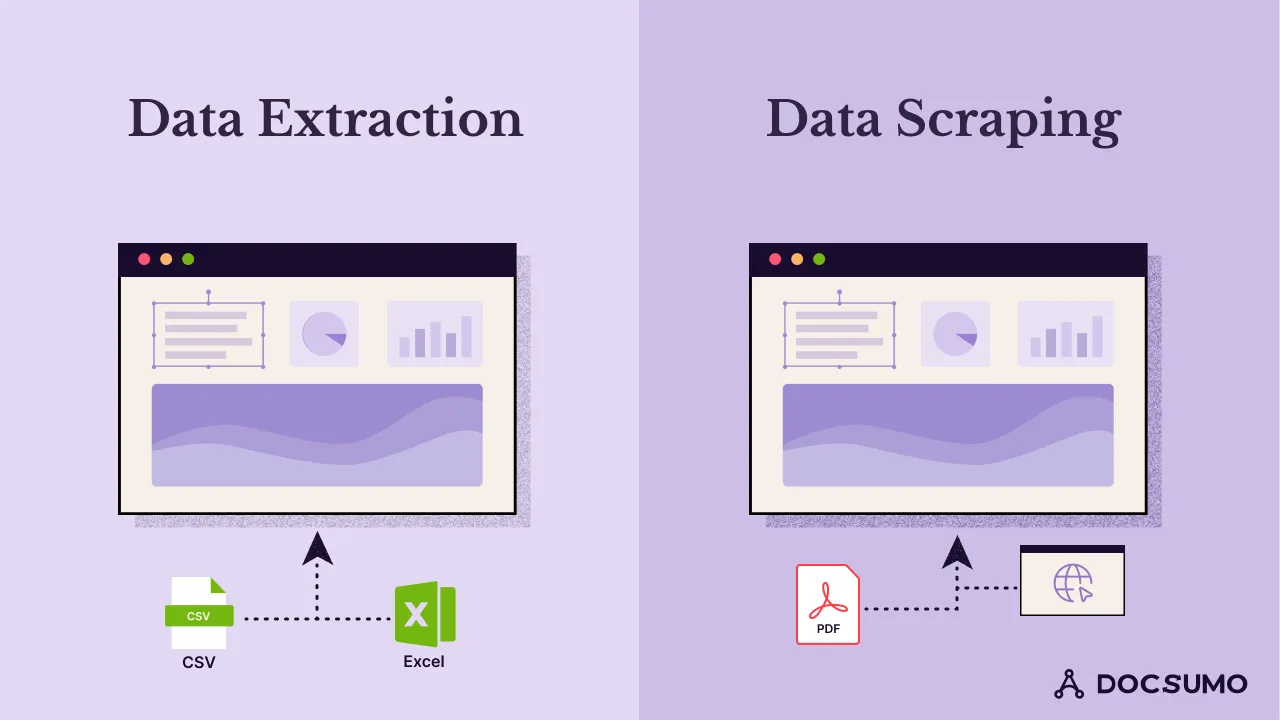
Key takeaways
- Data extraction is the broad practice of pulling specific data out of a source, such as a database, API, document or file, into a structured format.
- Data scraping is a kind of extraction that collects data from sources built for people to read, most often websites, by parsing their HTML or screen output.
- Extraction from databases and APIs is stable and permissioned; scraping breaks when pages change and depends on the site's terms and applicable law.
- For business documents such as invoices and bank statements, the right tool is document data extraction (OCR plus machine learning), not a web scraper.
- Use APIs when they exist, scrape only public data you're allowed to collect, and document the source of every dataset.
On this page
Data extraction is the broad practice of pulling specific data out of a source, such as a database, an API, a document or a file, and putting it into a structured format. Data scraping is one kind of extraction: it collects data from sources designed for people to read, usually websites, by parsing the page's HTML or screen output. Extraction from databases, APIs and documents tends to be stable and permissioned; scraping is flexible but breaks when pages change and carries more legal risk.
Below: a side-by-side comparison, how each works, the tools used for each, and how to choose.
Data extraction vs data scraping at a glance#
| Compared on | Data extraction | Data scraping |
|---|---|---|
| Scope | Any method of pulling data from a source | A subset of extraction aimed at human-readable interfaces |
| Typical sources | Databases, APIs, files, documents (PDFs, scans, forms) | Websites, web apps, legacy application screens |
| Access | Usually authorized: credentials, API keys, your own files | Often public pages; may conflict with site terms |
| Methods | SQL, API calls, file parsing, OCR, machine learning | HTTP requests, HTML parsing, headless browsers |
| Output quality | Structured and consistent | Needs cleaning; varies with page layout |
| Maintenance | Low for APIs and databases; models for documents | High: scrapers break when pages change |
| Legal risk | Low when you're authorized to access the source | Depends on terms of service, copyright and privacy law |
| Common uses | Migration, reporting, ETL, document processing | Price monitoring, market research, lead lists, research datasets |
What is data extraction?#
Data extraction retrieves specific data from a source and turns it into structured output, such as rows in a table or JSON fields. The source determines the method:
- Databases: SQL queries select exactly the records you need.
- APIs: you call an endpoint with a key and receive structured JSON.
- Files: CSV, Excel and XML files are parsed directly.
- Documents: PDFs, scans and photos need OCR to read the text, and models to find fields such as an invoice total or a bank statement's closing balance.
Common uses include moving data between systems, loading a data warehouse, reporting, and processing business documents: capturing invoice data for accounts payable, reading bank statements for lending, or checking insurance certificates.
For a full list of methods, see data extraction techniques.
What is data scraping?#
Data scraping collects data that's presented for people rather than machines. The most common form is web scraping:
- A script or tool requests a web page, or drives a headless browser for pages built with JavaScript.
- It parses the HTML and selects the elements that hold the data, using CSS selectors or XPath.
- It cleans the values and stores them as CSV, JSON or database rows.
- It repeats across pages, often on a schedule.
Other forms include screen scraping (capturing text from an application's interface, common in RPA for legacy systems) and scraping text from report files.
Common uses: tracking competitor prices, aggregating listings, monitoring news and reviews, and building research datasets.
Tools for each#
| Job | Typical tools |
|---|---|
| Query databases | SQL clients, ETL and ELT tools |
| Pull data from apps | Vendor APIs, integration platforms |
| Extract data from business documents | IDP platforms such as Docsumo, ABBYY Vantage; cloud APIs such as Amazon Textract, Google Document AI, Azure Document Intelligence |
| OCR only | Tesseract, ABBYY FineReader, Google Cloud Vision |
| Scrape websites | Scrapy, Beautiful Soup, Playwright, Selenium |
| Scrape application screens | RPA tools such as UiPath and Microsoft Power Automate |
For a comparison of document extraction tools, see the best data extraction software.
Legal and ethical considerations#
Extraction from sources you're authorized to use (your own databases, APIs under their terms, documents your customers send you) carries little legal risk, though privacy and data protection rules still apply to what you do with personal data.
Scraping is less clear-cut. Risks include breaching a site's terms of service, copying copyrighted content, collecting personal data without a lawful basis, and overloading servers. Scraping behind a login or bypassing technical blocks raises the risk further. Before scraping at scale, check the site's terms and robots.txt, avoid personal data you don't need, rate-limit requests, and get legal advice.
How to choose#
- There's an API or a database you can access: use it. It's more reliable than scraping and clearly permitted.
- The data is on public web pages with no API: scraping may be the only option. Budget for maintenance and legal review.
- The data arrives as PDFs, scans or email attachments: use document data extraction. A web scraper can't read a scanned bank statement.
- The data is in a legacy app with no API: consider RPA or screen scraping, or export files and extract from those.
If most of your data arrives as documents, an intelligent document processing platform classifies files, extracts fields, validates them and sends clean data to your systems through an API or webhook.
The bottom line#
Scraping is a narrow, fragile kind of extraction for data that has no better access route. When you have an API, a database or the documents themselves, extract the data directly: it's more accurate, easier to maintain and on firmer legal ground.
Frequently asked questions#
Is data scraping the same as data extraction?
Scraping is one type of data extraction. Extraction covers any method of pulling data from a source, including database queries, APIs and document processing. Scraping specifically means collecting data from interfaces meant for people, usually web pages.
Is web scraping legal?
It depends on what you scrape, how and where. Collecting public data can be lawful, but scraping can breach a site's terms of service, copyright or privacy laws, especially with personal data or content behind a login. Get legal advice for your specific case.
What is screen scraping?
Reading data from an application's user interface, for example by capturing text from a legacy terminal screen or desktop app. RPA tools often do it when a system has no API.
Can you scrape data from PDFs?
You can pull text from PDFs with parsers, but that's usually called PDF or document extraction. For scans and varied layouts, OCR and machine learning find specific fields; see how to extract data from PDFs.
Which is better for business documents?
Document data extraction. Invoices, bank statements and tax forms arrive as PDFs and scans, which web scrapers can't read. An IDP platform reads them, extracts fields and validates them.
Sources
First published . Last updated .