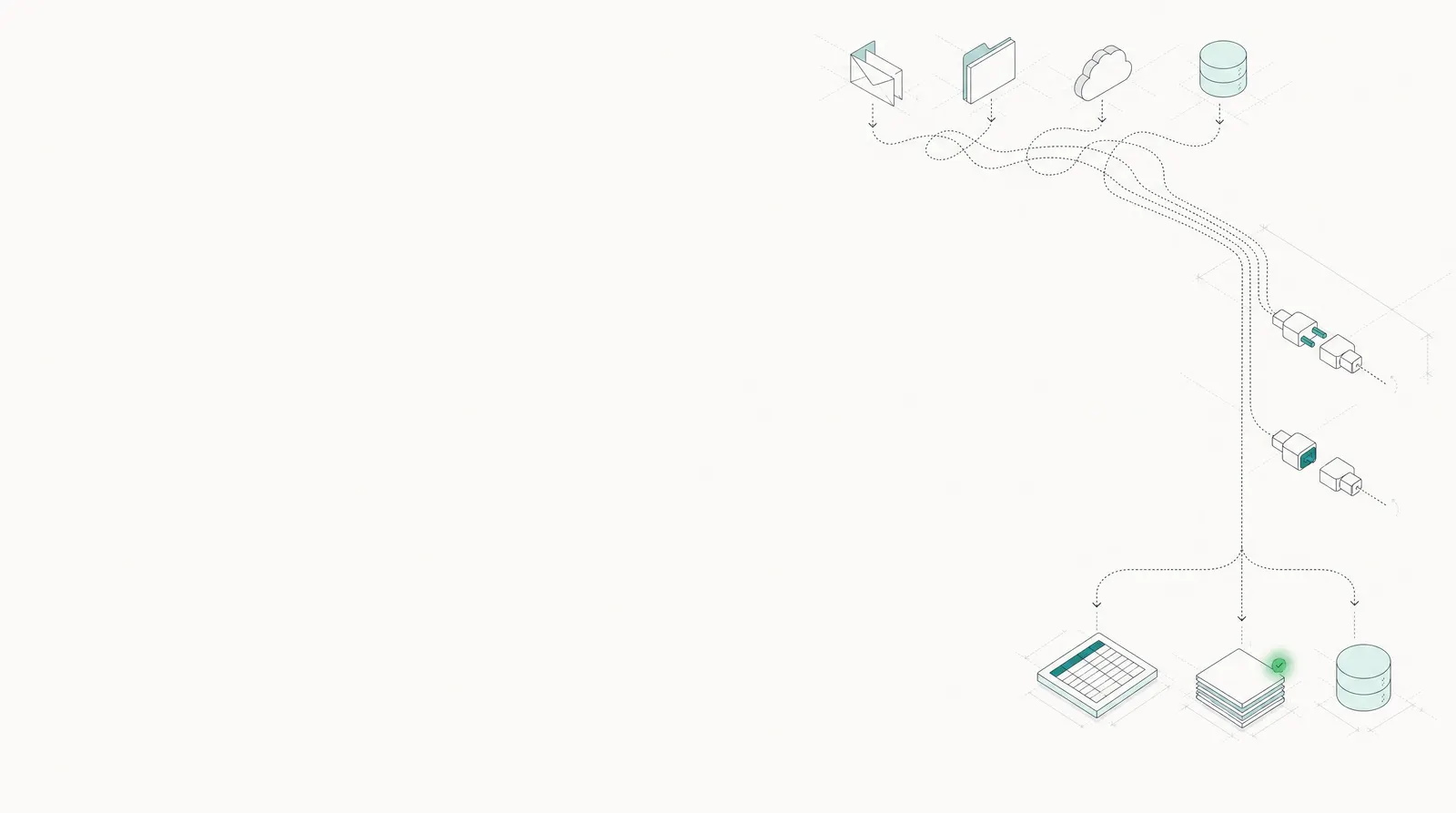
Pull documents in. Push clean data out.
Docsumo is an intelligent document processing (IDP) platform. It picks up documents from the inboxes and cloud folders they already land in, and sends checked, structured data to Salesforce, Google Sheets or your own systems.
 Google Drive
 SharePoint
 Amazon S3
- Vendor
- Northwind Supply Co.99%
- Due date
- Oct 15, 202698%
- Total
- $3,240.0099%
 Google Sheets Row added to AP log
 Salesforce
- Google Sheets
- Webhook
- REST API

Every way in and out, in one library.
The connectors from the app's Integrations screen, plus the API, webhooks and workflow steps. Each card links to its setup guide.
Inboxes and cloud storage
Where your documents already land. New files are imported as they arrive.
- In
Email
Forward or auto-forward mail to a document type's own address. Attachments are read on arrival.
Setup guide - In
Google Drive
Sign in with Google, pick a folder, and new files flow into the document type you choose.
Setup guide  In
In- In
Microsoft SharePoint
Sign in with an account that can open the site, and its files flow in.
Setup guide  In
In In
In- In
Amazon S3
Connect a bucket with an access key and region, and point it at one folder if you like.
Setup guide
Business apps
Where the data is used. Fields land in the record or the sheet, not in someone's inbox.
- InOut
SalesforceEnterprise
Upload from a Lead record; fields sync back through your field mapping.
Setup guide - Out
Google Sheets
Writes the fields you choose from each document to a sheet, or a whole Data Table in one click.
Setup guide - Out
Excel and CSV
Download a document's data as a spreadsheet or JSON, or export a whole Data Table.
Setup guide
Automation
For systems that aren't on this list. Connect them yourself, no ticket to us.
 InOut
InOutZapier
Send files to Docsumo from a Zap, such as each new file in a folder, and pass results on to other apps.
Setup guide- In
Custom code
Describe the source in plain English. Docsumo drafts the code and checks the source on the schedule you set.
Setup guide - Out
External API block
A workflow step that calls any REST endpoint with your data and reads the response.
Setup guide
Developers and AI agents
Build Docsumo into your product, or let an AI assistant do the work.
- InOut
REST API
Upload a file, URL or Base64 with your own IDs and metadata; fetch the data as JSON.
Setup guide - Out
- InOut
Docsumo MCPNew
Let Claude, Cursor and other AI assistants upload documents and pull data from your account.
Setup guide
Sign in once. New files keep coming.
No code for the connector library: you add a connector in the app and sign in to the service.
- Google DriveAutomate your data imports from Google Drive.Add integration
- Google SheetsAutomate your data exports to Google Sheets.Add integration
- Microsoft SharePointAutomate your data imports from SharePoint.Add integration
- Amazon S3Automate your data imports from Amazon S3.Add integration
Sign in to Google Driveap-team@harborst.exampleDocsumo will be able to:- See your name and email address
- View and download files in your Drive
- Source
- GDrive_Invoices · /AP/Invoices
- Document type
- Invoice
- GDrive_Invoices Connected
- AP_Log_Export Connected
- S3_Claims_Inbox Connected
Each new file in /AP/Invoices is imported as an Invoice.
Read documents without leaving the Salesforce record.
Install the Docsumo package, and a Document AI tab on the Lead record uploads the file. Extracted fields come back to the record through your field mapping.
- Leads, Contacts, AccountsSync to the objects you already use.
- Your field mappingYou choose where each field lands.
- Checked before it syncsValidation and error handling first.
Salesforce integration: Enterprise plan. Setup guide
LeadHarbor Street Bakery LLC| Docsumo field | Lead field | |
|---|---|---|
| Account holderHarbor Street Bakery LLC99% | Company | |
| BankFirst Coastal Bank99% | Bank__c | |
| Statement periodAug 1 – Aug 31, 202698% | Statement_Period__c | |
| Closing balance$48,210.5599% | Closing_Balance__c |

Your ERP, CRM or anything with an API, from a workflow.
A workflow runs when files arrive, on a schedule, when a case reaches a stage, or when someone starts it. Its External API step sends the data to any system with a REST API, using API keys you store securely in Docsumo.
Nightly ERP sync
Approved cases post to your ERP every night.
- Schedule02:00 UTC
- LookupCases approved today
- External APIPost each one to your ERP
- Case UpdateMark them Synced
Rejection follow-up
A rejected case opens a task in your CRM.
- Case EventStage: Rejected
- External APICreate a task in your CRM
- Case UpdateSave the ticket number
Weekly digest
Your team hears what's still waiting.
- ScheduleEvery Monday
- LookupCases still in review
- LLMWrite a summary
- WebhookPost to your team channel
Workflows and case management: Enterprise plan. How workflows work
An API, webhooks and an MCP server. Nothing to host.
Send files by API, get JSON back by webhook or on request, and test changes in a separate environment before they reach production.
- PDF, JPG, PNG and TIFF, with your own IDs and metadata
- Webhooks on every status change; a static IP on request
- The review screen inside your CRM or app, no Docsumo login needed
- MCP for Claude, Cursor, VS Code, Windsurf, Gemini CLI and the OpenAI API
“We love Docsumo for its ease of integration and the flexibility it provides with API and webhook callbacks.”
 Howard LeinerCTO, Arbor
# Send an invoice to Docsumo curl -X POST https://app.docsumo.com/api/v1/eevee/apikey/upload/ \ -H "apikey: $DOCSUMO_API_KEY" \ -F "file=@INV-4471.pdf" \ -F "type=invoice" \ -F "user_doc_id=ap-4471" # Response (trimmed) { "data": { "document": [{ "doc_id": "9f2c41e07b8d4c6a", "title": "INV-4471.pdf", "status": "new" }] } }
{
  "data": {
    "Basic Information": {
      "Vendor": { "value": "Northwind Supply Co.", "confidence": 0.99 },
      "Invoice Number": { "value": "INV-4471", "confidence": 0.99 },
      "Due Date": { "value": "2026-10-15", "confidence": 0.98 }
    },
    "Amounts": {
      "Subtotal": { "value": 3000.00, "confidence": 0.99 },
      "Tax": { "value": 240.00, "confidence": 0.98 },
      "Total Due": { "value": 3240.00, "confidence": 0.99 }
    },
    "Line Items": [
      {
        "Description": { "value": "Pallet wrap, 20 in", "confidence": 0.97 },
        "Amount": { "value": 1800.00, "confidence": 0.99 }
      },
      // 1 more row
    ]
  }
}
# Add Docsumo to Claude Code
claude mcp add --transport http docsumo https://mcp.docsumo.com/mcp \
  --header "Authorization: Bearer YOUR_API_KEY"

# Then ask in plain English
# "Upload this invoice PDF and give me the line items as a table."
# "Which documents from this week are still waiting for review?"
Questions about integrations
Which systems does Docsumo integrate with?
Documents come in by email, upload, the REST API, Zapier, Docsumo MCP, or a connected Google Drive, Microsoft OneDrive, SharePoint, Dropbox, Box or Amazon S3. Extracted data goes out to Google Sheets, Salesforce (Enterprise plan), Excel and CSV files, webhooks and the API, and a workflow's External API block can send it to any other system with a REST API.
What if our ERP, LOS or CRM isn't in the connector library?
Use a workflow. It runs when files arrive, on a schedule or when a case reaches a stage, and its External API step sends each document or case to your system's REST API (GET, POST or PUT, with your own headers and field mapping), then records the response on the case. Zapier, webhooks, the REST API and custom code integrations cover the rest. Workflows are on the Enterprise plan.
Do integrations need a developer?
Not for the connector library. You add a connector under Integrations in the app, sign in to the service and allow access, and new files are imported automatically. The API, webhooks, MCP and custom workflow steps are there for teams that want to build their own.
Can AI assistants such as Claude use Docsumo?
Yes, through Docsumo MCP, a hosted MCP server. Connect Claude Code, Claude Desktop, Cursor, VS Code, Windsurf, Gemini CLI or an app built on the OpenAI API with your Docsumo API key, and the assistant can upload documents, fetch extracted data, manage review and run case workflows. Documents uploaded through MCP use your plan's document credits like any other upload.
Can Docsumo read the email itself, not just attachments?
Yes. Every document type has its own email address, and with email body parsing Docsumo also reads text, tables, HTML and embedded images in the body. Our team switches body parsing on for your account.
How are connections secured?
Connectors use each service's own sign-in and the permissions you approve (Amazon S3 uses an access key you provide), and you can disconnect any of them in My Integrations. Webhooks can come from a static IP, and single sign-on through Okta (SAML 2.0), both on request. Docsumo is SOC 2 Type 2 audited, ISO 27001 certified, and HIPAA and GDPR compliant; see security.
Connect a folder. Watch the data land.
Bring a real document and tell us where its data should go. We'll show you the connection end to end.