OCR for accounts payable: automating every AP document, not just invoices
For AP managers and finance operations teams: which AP documents OCR and document AI can read, what to extract from each, how they connect in the AP cycle, and what to measure.

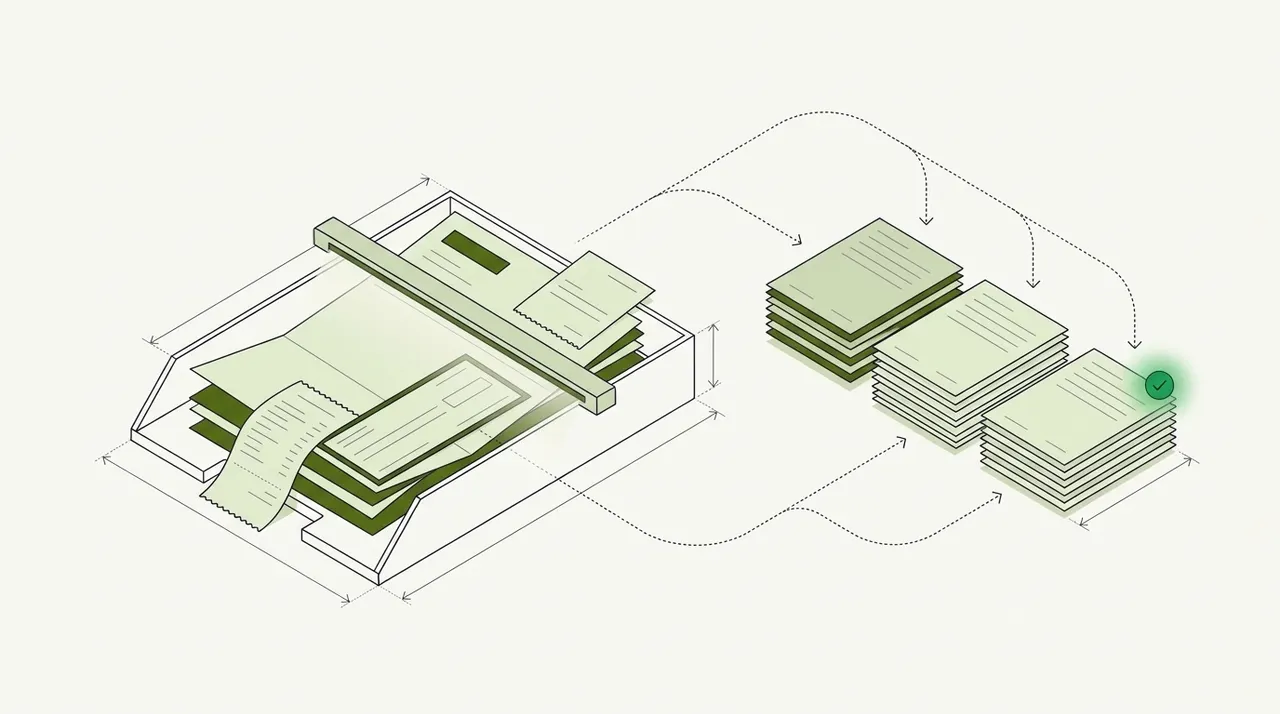
Key takeaways
- OCR for accounts payable turns AP documents into text; paired with AI extraction and checks, it turns them into data your ERP can use.
- AP runs on more than invoices: credit memos, purchase orders, delivery notes, supplier statements, W-9s, receipts and remittance advice all carry data AP needs.
- Each document has a job: W-9s set up vendors, POs and delivery notes support matching, credit memos reduce what you owe, statements catch missing invoices.
- Plain OCR isn't enough for AP. You also need classification, field and line-item extraction, validation and matching across documents.
- Measure touchless rate, exception rate, cycle time and cost per invoice. The 2025 average cost was $9.84 an invoice (Ardent Partners, sponsored analyst report).
On this page
OCR for accounts payable is the use of optical character recognition, paired with AI extraction and checks, to read the documents AP runs on and turn them into data: invoices, credit memos, purchase orders, delivery notes, supplier statements, W-9s, receipts and remittance advice. It replaces manual data entry, catches errors before payment and leaves AP staff with only the exceptions.
This guide covers the eight AP documents worth automating, how they fit together, where plain OCR falls short and what to measure.
AP documents and what to extract#
Each document has one job and a few fields that matter.
Supplier invoice
What you owe. Vendor, invoice number and date, due date, PO number, line items, tax, total and remit-to.Credit memo
Reduces what you owe. Credit number, the invoice it refers to, lines, amount and reason.Purchase order
What you agreed to buy, for 2-way and 3-way matching. PO number, vendor, lines, quantities and prices.Delivery note or packing slip
Proof the goods arrived, for 3-way matching. PO number, items and quantities delivered, and date.Supplier statement
The vendor's view of your account. Statement date, open invoices and credits, aging and balance.W-9 form
The vendor's taxpayer ID for 1099 reporting. Legal and business name, tax classification, TIN and address.Receipt
Small purchases and expenses. Merchant, date, items, tax and total.Remittance advice
Which invoices a payment covered. Payment date and amount, invoices paid and any deductions.
Classification comes first: a mixed inbox or scan batch has to be sorted so each document reaches the right step. A credit memo processed as an invoice gets paid instead of applied.
How AP documents fit together#
Every document feeds one step of the AP cycle, from setting up the vendor to reconciling its statement.
- W-9s and bank letters
- Invoices and credit memos
- POs and delivery notes
- Supplier statements
- 01Set up the vendor
- 02Capture the invoice
- 03Match to PO and delivery note
- 04Apply credits
- 05Approve and pay
- 06Reconcile the statement
Automation does the reading at every step and much of the checking. Docsumo reads invoices, W-9s, statements and the rest of the set, and flags duplicate invoices. It routes invoices for approval on the Business plan and matches them to POs and receipts on the Enterprise plan. It doesn't pay vendors: approved invoices go to your ERP or payment system through the API and webhooks. See W-9 data extraction and 2-way vs 3-way matching.
Why plain OCR isn't enough for AP#
OCR turns a page image into text. AP needs to know which document it is, which number is the total, which lines belong together and whether they match the PO.
| Field | Extracted value | Read |
|---|---|---|
| Vendor name | Northeast Kitchen Equipment | |
| Invoice number | NKE-9921 | |
| Invoice date | 2026-08-12 | |
| Due date | 2026-09-11 | |
| Payment terms | Net 30 | |
| PO number | 5498 (handwritten) |
| Field | Extracted value | Read |
|---|---|---|
| Vendor address | 37 Bridge St, Westbrook, ME | |
| Bill to | Harbor Street Bakery LLC | |
| Ship to | 22 Thames St, Portland, ME | |
| Remit to | PO Box 3170, Portland, ME |
| Field | Extracted value | Read |
|---|---|---|
| Item code | WT-3072 | |
| Description | Stainless work table, 30 x 72 in | |
| Quantity | 2 | |
| Unit of measure | EA | |
| Unit price | 385.00 | |
| Amount | 770.00 |
| Field | Extracted value | Read |
|---|---|---|
| Subtotal | 23,250.00 | |
| Sales tax rate | 5.5% | |
| Sales tax | 1,278.75 | |
| Freight | 121.25 | |
| Total due | 24,650.00 |
That takes classification, field and line-item extraction, validation (totals add up, the vendor exists, the invoice isn't a duplicate), matching across documents and review of low-confidence values on the source page. Together they're usually called intelligent document processing: see IDP vs OCR.
Template OCR vs AI-based extraction
| Template OCR | AI-based extraction | |
|---|---|---|
| Setup | A template per vendor layout | Pre-trained; learns from corrections |
| New or changed layouts | Break until a template is built | Handled |
| Line items | Only if mapped | Extracted as tables |
| Best for | A few stable, high-volume layouts | Many vendors and document types |
Controls that document automation supports#
- Duplicate checkEvery invoice is compared with invoices already received before it's paid. See duplicate invoice detection.
- Vendor masterA W-9 and confirmed bank details are on file before a vendor's first payment.
- Approval limitsInvoices over a set amount need a second approver, and the person who adds vendors doesn't approve their invoices.
- Audit trailEvery posted value links back to its source page and to the person who approved it.
What to measure#
Five numbers show whether AP automation is working. The benchmarks are from Ardent Partners' State of ePayables 2025, a sponsored analyst report. Docsumo reports 95%+ straight-through processing.
| Metric | What it shows | 2025 benchmark |
|---|---|---|
| Touchless rate | Invoices processed with no human touch | Best-in-class teams process more than 1.8 times as many straight through |
| Exception rate | Invoices that stop for a person: no PO, price variance, missing receipt, unknown vendor, low confidence | 18.4% on average; 47% lower for best-in-class teams |
| Cycle time | Days from invoice receipt to approval for payment | 8.2 days on average; 79% faster for best-in-class teams |
| Cost per invoice | What AP spends, divided by invoices processed | $9.84 on average; 79% lower for best-in-class teams |
| Statement differences | Missing invoices and unapplied credits found before month-end close | No published benchmark |
The bottom line#
OCR for accounts payable pays off when it covers the whole document set: invoices and credit memos for what you owe, POs and delivery notes for matching, W-9s for vendor setup and statements for reconciliation. Pair it with extraction, checks and review, send clean data to your ERP through the API and webhooks, and let people handle only the exceptions. See accounts payable automation.
Book a demo with a few of your own AP documents, or start a free trial.
Frequently asked questions#
What is OCR in accounts payable?
OCR (optical character recognition) in accounts payable is software that reads invoices and other AP documents, from PDFs to scans and phone photos, and turns them into text. Paired with AI extraction and validation, it fills in the fields AP needs, such as vendor, invoice number, line items and total, so nobody has to key them.
Which AP documents can OCR process?
Invoices, credit memos, purchase orders, delivery notes and packing slips, supplier statements, W-9 forms, receipts and remittance advice. Classification sorts a mixed batch first, so each document goes to the right step.
Why reconcile supplier statements if invoices are captured?
Statements list every open invoice and credit the supplier thinks you have. Comparing them with your AP ledger finds invoices you never received, credits not applied and payments not matched.
How does OCR help with vendor onboarding?
It extracts the legal name, tax classification and TIN from W-9 forms and bank details from bank letters, so vendor records are complete and can be checked before the first payment. See W-9 data extraction.
What's better for AP, template OCR or AI?
AI-based extraction, for most teams. Template OCR needs a setup for every vendor layout and breaks when layouts change; AI handles new layouts and extracts line items as tables.
Which OCR software is best for accounts payable?
It depends on what happens after the text is read. If invoices must be matched, routed and posted to an ERP, look at AP automation and document processing platforms, and test each one on your own invoices, scans and multi-page line items included. We compare them in accounts payable OCR software.